 Software Keys HQ
Best CCleaner Alternatives in 2026 (Free and Paid)
The best CCleaner alternatives in 2026 for PC cleanup, driver updates, and disk optimization — plus a cheaper way to get CCleaner Pro itself.
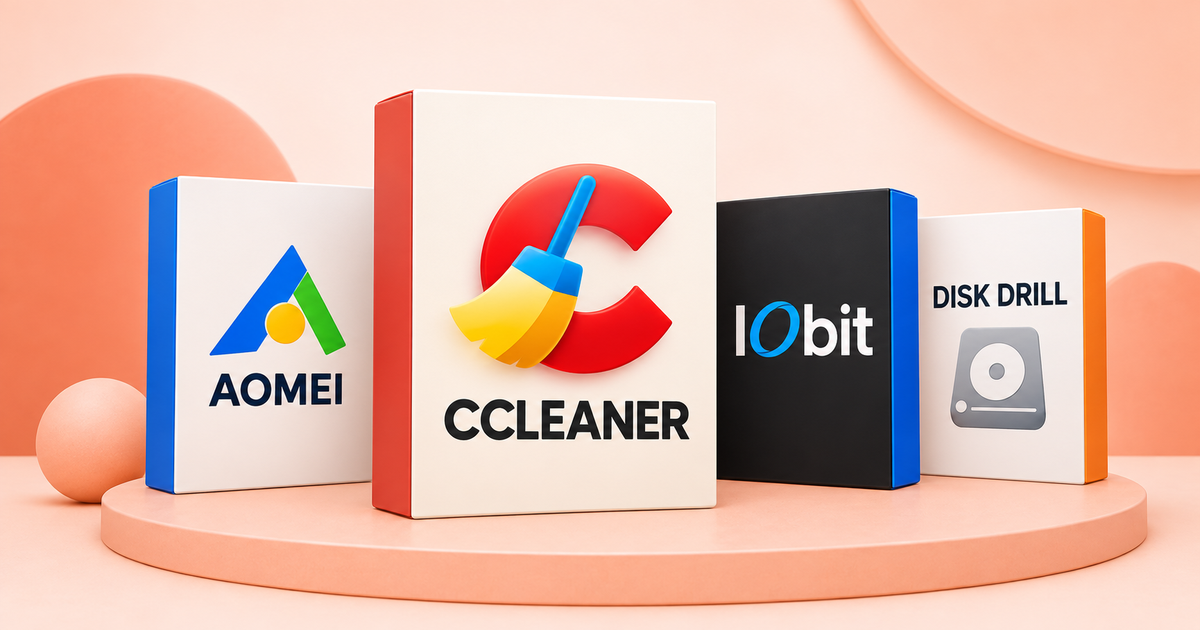
Looking for a CCleaner alternative — or a cheaper way into CCleaner itself? Here's an honest roundup of PC cleanup and optimization tools, including where CCleaner still wins.
CCleaner is still the name most people search for first, but "alternative" searches usually mean one of two things: distrust of CCleaner specifically (it's changed hands and had privacy controversies over the years), or just wanting to compare options before paying for anything. Here's an honest look at both the alternatives and CCleaner itself at a lower price than its own site typically offers.
What these tools actually do
PC cleanup software in this category generally covers some mix of: removing temp files and browser cache, cleaning the Windows registry, managing startup programs, updating outdated drivers, and (for the utility-suite tools) partition management and backup. Not every tool does all of these — match the tool to the specific problem you have.
CCleaner itself, at a lower price
If your concern is price rather than trust, CCleaner Professional 2026 is available at $6.99, a fraction of CCleaner's own listed subscription pricing — same software, same registry cleaner and real-time monitoring, licensed legitimately.
AOMEI Partition Assistant — for disk and partition management
Where CCleaner focuses on junk-file and registry cleanup, AOMEI Partition Assistant Pro ($8.99, lifetime) solves a different problem: resizing partitions, migrating an OS to a new SSD, and disk cloning without data loss. If your actual issue is "my C: drive is full and I need to repartition," this is the more direct tool — CCleaner doesn't touch partitions at all.
IObit Driver Booster — for outdated drivers specifically
A large share of "my PC feels slow" complaints trace back to outdated or missing drivers, not junk files. IObit Driver Booster Pro ($30.99, lifetime) scans and updates drivers automatically — a narrower job than CCleaner, but one CCleaner doesn't really attempt.
Is CCleaner still safe to use in 2026?
CCleaner had real, well-documented security incidents in its history — most notably a 2017 supply-chain compromise where a malicious update was distributed briefly before being caught. Since then it's changed ownership and tightened its build/release process, and the vast majority of "distrust CCleaner" sentiment online is now years out of date relative to those specific incidents rather than a current, ongoing problem. If that history still bothers you, that's a legitimate reason to prefer a different tool — but it's worth knowing the concern is historical, not an active red flag.
The more persistent, still-relevant caution with any registry cleaner (not just CCleaner) is that registry cleaning itself is a lower-value practice than it was 15 years ago — modern Windows is considerably more resilient to registry clutter than it used to be. The temp-file cleanup and startup-program management features do more practical good than the registry cleaner on current Windows versions.
Disk Drill — when the problem is recovery, not cleanup
If you've already deleted something you need back — rather than trying to prevent future clutter — Disk Drill Pro ($46.99, lifetime, Windows/macOS) solves a different problem entirely: recovering deleted files, formatted drives, and lost partitions. None of the cleanup tools above touch file recovery — it's worth knowing this exists as a separate category before assuming a cleaner can undo a deletion.
Free options worth knowing about
Windows' own Disk Cleanup and Storage Sense handle basic temp-file removal for free and cover the most common "my disk is full" complaint without installing anything. They don't touch the registry or drivers, which is where the paid tools above earn their keep.
Which one should you actually get?
- Just want CCleaner, cheaper: get the CCleaner Professional 2026 key above.
- Repartitioning, cloning a drive, or migrating to a new SSD: AOMEI Partition Assistant.
- Slow PC, suspect outdated drivers: IObit Driver Booster.
- Already deleted something you need back: Disk Drill — a cleanup tool won't undo this.
- Just clearing temp files occasionally: Windows' built-in Storage Sense is genuinely enough — don't pay for that alone.
The bottom line
"CCleaner alternative" isn't really one category — it splits into cleanup, partition management, and driver updates, each solved by a different specialized tool. Match the tool to the actual problem rather than assuming one app should do everything.
Related guides
- WinRAR vs 7-Zip in 2026: Is a Lifetime WinRAR Key Worth It?
- How to Tell If a Cheap Software Key Site Is Legit (2026 Checklist)
- Power BI Pro License: How to Get the Full Feature Set for a One‑Time Price
Shop software keys — Windows, Microsoft Office, antivirus and business licenses, delivered fast.