 Software Keys HQ
How Many Devices Does One Antivirus License Cover?
Norton, McAfee, ESET and Kaspersky device counts compared, so you avoid buying more (or less) antivirus than you need.
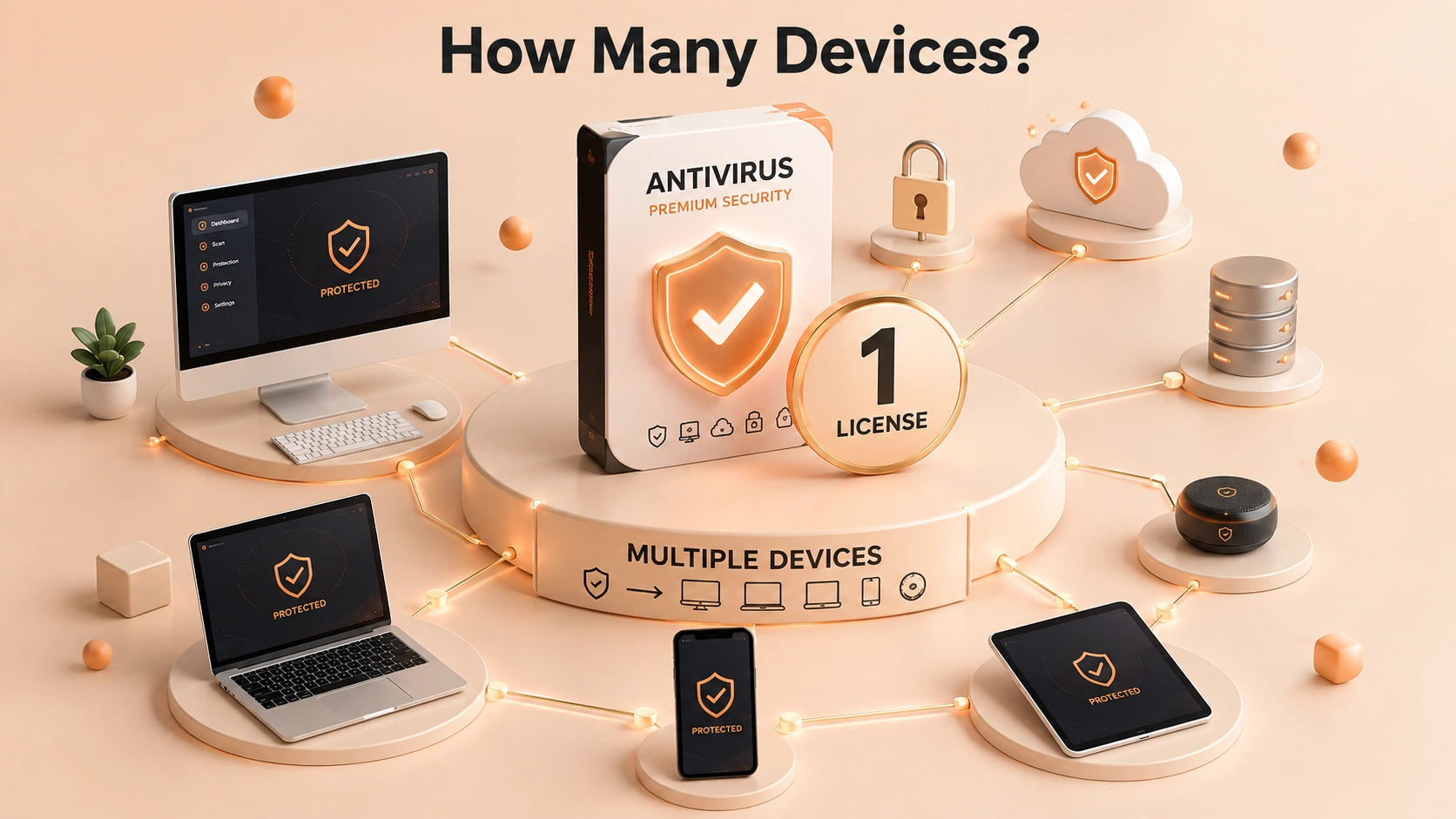
Norton, McAfee, ESET, Kaspersky — device counts vary a lot by plan. Here is how to avoid buying more (or less) than you need.
It depends entirely on the licence you bought, and the number in the product name is the answer. Here is how device counting actually works and where people get caught out.
The number in the name is the number
Antivirus licences are sold by device count — commonly 1, 3, 5 or 10 devices, occasionally more on family plans. A licence described as 5 devices covers five simultaneous installations.
That count is per licence, not per person and not per household. If five devices are covered, a sixth needs another licence or an upgrade.
What counts as a device
This is where the surprises happen. On most modern suites, all of these consume a slot:
- Windows PCs and laptops
- Macs
- Android phones and tablets
- iPhones and iPads
A household that thinks of itself as having "two computers" frequently has eight devices once phones and tablets are counted. Count everything you intend to protect before choosing a tier.
Simultaneous, not cumulative
The limit is on active installations at any one time, not on how many machines you have ever used it on.
Uninstalling or deactivating on an old machine frees the slot for a new one. Replacing a laptop does not consume an extra slot permanently, provided you remove the protection from the old machine first — or deactivate it from your account dashboard, which most vendors support.
Where people overpay
Two mistakes, in opposite directions.
Buying too many. A 10-device licence for a household with three devices is straightforward waste. Vendors market larger tiers hard because the per-device price looks better, but per-device price is irrelevant if the devices do not exist.
Buying too few and topping up. Buying a 1-device licence then a second and a third separately costs considerably more than a single 5-device licence bought up front.
Count first, then buy once.
Platform coverage is not uniform
A multi-device licence covering Windows, macOS, Android and iOS does not deliver identical protection on each. iOS restricts what security software can do at the platform level, so iOS protection is limited on every vendor's product — usually web filtering and breach alerts rather than scanning.
That is not a defect in a specific product; it is how iOS works. Treat strong iOS claims from any vendor with scepticism.
Checking what you have
Sign in to your vendor account on their website. The subscription page lists your device allowance and which devices currently occupy slots.
That page is also where you deactivate a device you no longer own, which is worth doing when you sell or replace hardware — an old laptop sitting in a drawer holding a slot is a common reason people believe they need a bigger licence.
Terms matter as much as device counts
Antivirus licences are sold by both device count and term length — typically one to three years. Three-year licences cost considerably less per year than annual ones.
If you are settled on a product, buying a three-year multi-device licence up front is normally the cheapest route by a wide margin, especially compared with letting an annual subscription auto-renew at list price.
The short version
Count every device including phones and tablets, buy that tier once rather than topping up, deactivate hardware you no longer own, and take the longer term if you intend to stay. Every listing here states the device count and term before checkout.
Related guides
- How to Turn Off Antivirus Auto-Renewal Before It Charges You
- The Cheapest Way to Renew Your Antivirus in 2026
- Why Your Antivirus Renewal Costs Two to Three Times Year One
Shop software keys — Windows, Microsoft Office, antivirus and business licenses, delivered fast.