 Software Keys HQ
How to Tell If a Windows Product Key Is Valid
How to tell if a Windows product key is valid before and after you buy — the real checks that confirm a key is genuine.
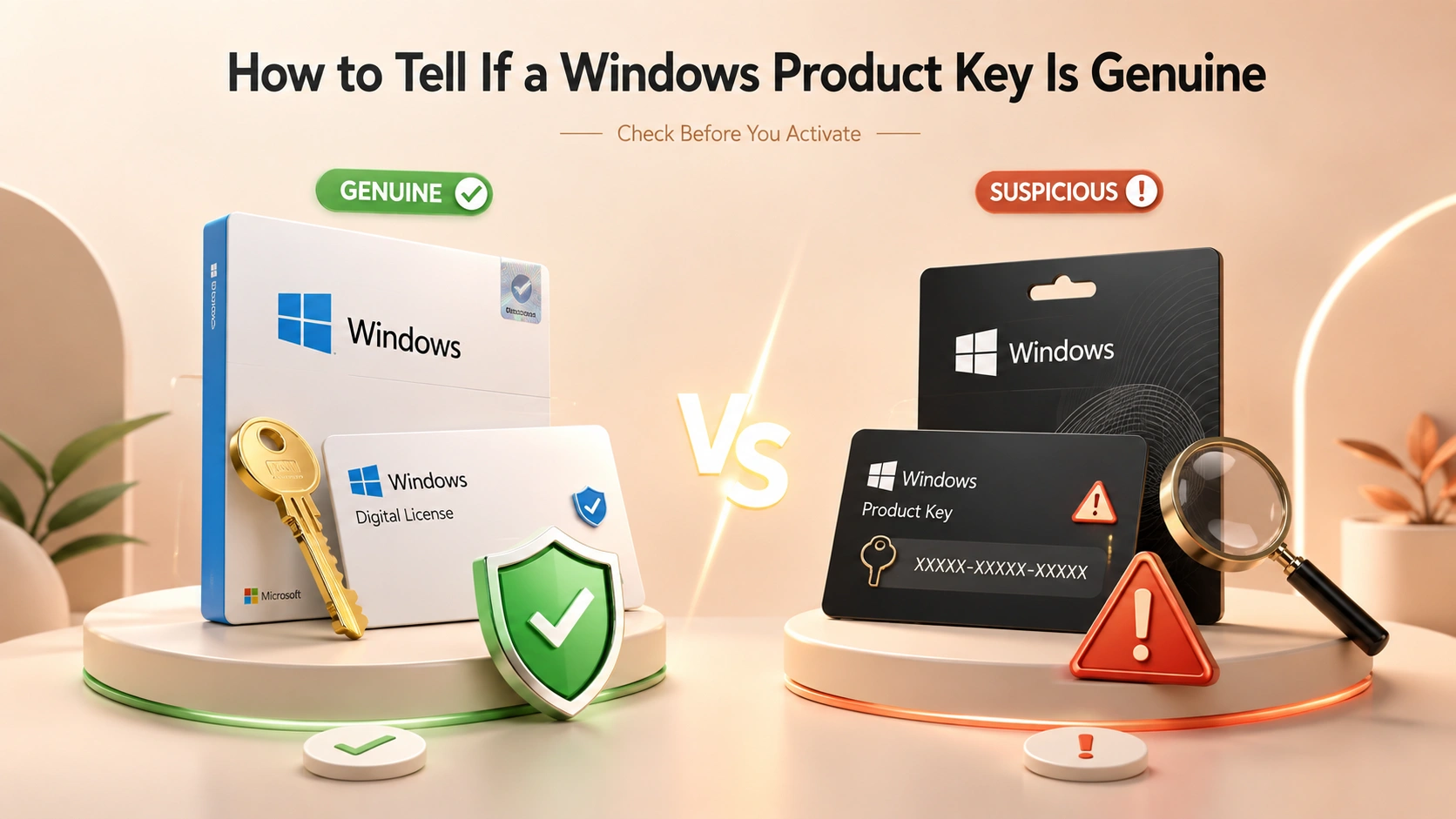
Worried a cheap Windows key might be fake? Here is how to tell if a Windows product key is valid — before and after you buy.
Introduction
Whether you're about to buy a Windows key or already have one sitting in an email, there's a real way to check it's genuine — not a guess based on the price or where it came from. Here's what actually confirms a key is valid.
Before You Buy: What to Check
- Format. A real retail/OEM Windows key is a 25-character code in five groups of five (XXXXX-XXXXX-XXXXX-XXXXX-XXXXX). If what you're being sent is a script, a "loader," or an executable file instead of a code, it isn't a license key at all.
- Seller has real support. A legitimate seller can be contacted after the sale and stands behind what they sold. No contact method anywhere is the actual warning sign — not the price.
- Delivery method. A real key is delivered as text (email, order page, or account dashboard) that you type into Windows yourself. You should never need to download and run a third-party program to "activate" it.
After You Buy: The Real Verification
The only check that actually matters is activating it through Windows itself, never through anything the seller provides:
1. Go to Settings → System → Activation. 2. Choose Change product key (or enter it during setup) and type the 25-character code exactly. 3. Windows contacts Microsoft's own activation servers directly — not the seller — to verify it. 4. If it succeeds, Activation shows "Windows is activated with a digital license." That message, generated by Windows itself, is the actual proof — nothing a seller tells you substitutes for it.
Warning Signs a Key Isn't Valid
- Activation fails immediately with an error referencing a volume license key already in use — a sign the same key has been resold to multiple buyers.
- You're asked to run a downloaded "activator" or "KMS tool" instead of entering a code in Windows' own Activation screen — this isn't a license at all, and Microsoft can detect and reverse it later.
- The key works today but shows "Windows isn't activated" again a few weeks later — often a sign of a KMS-emulated activation rather than a real license, which doesn't persist.
What to Do If a Key Doesn't Activate
Contact the seller with your order number and the exact error message immediately. A legitimate reseller will investigate and replace a genuinely bad key — that response (or the lack of one) is itself part of how you tell a real seller from a scam after the fact.
See Windows 11 Pro — Lifetime Key — activated the standard way through Windows' own Activation screen, with a 30-day replacement guarantee.
FAQ
Can I check if a key is valid before entering it into Windows? Not with certainty — the only definitive check is Windows' own activation against Microsoft's servers. Format and seller reputation are good pre-purchase signals, not proof.
Does a valid activation mean the key is legally mine forever? Yes for a retail/OEM perpetual key — once Windows shows it's activated with a digital license, that activation is tied to your account/hardware and doesn't expire on its own.
Is a key that fails once definitely fake? Not always — a genuine key can occasionally fail on a first attempt due to a server hiccup. Try again, and if it consistently fails, that's when to contact the seller.
Related guides
- Power BI Pro License: How to Get the Full Feature Set for a One‑Time Price
- OEM vs Retail vs Lifetime License Keys: What Is the Difference?
- Are Cheap Windows and Office Keys Legit? An Honest Guide
Shop software keys — Windows, Microsoft Office, antivirus and business licenses, delivered fast.