
AOMEI Partition Assistant Professional 8.5 — Perpetual Version License Key (1 PC / Windows)
AOMEI Partition Assistant Pro, lifetime key. Resize, move, merge and clone disk partitions without data loss. Fast email delivery.
About AOMEI Partition Assistant Professional 8.5 — Perpetual Version License Key (1 PC / Windows)
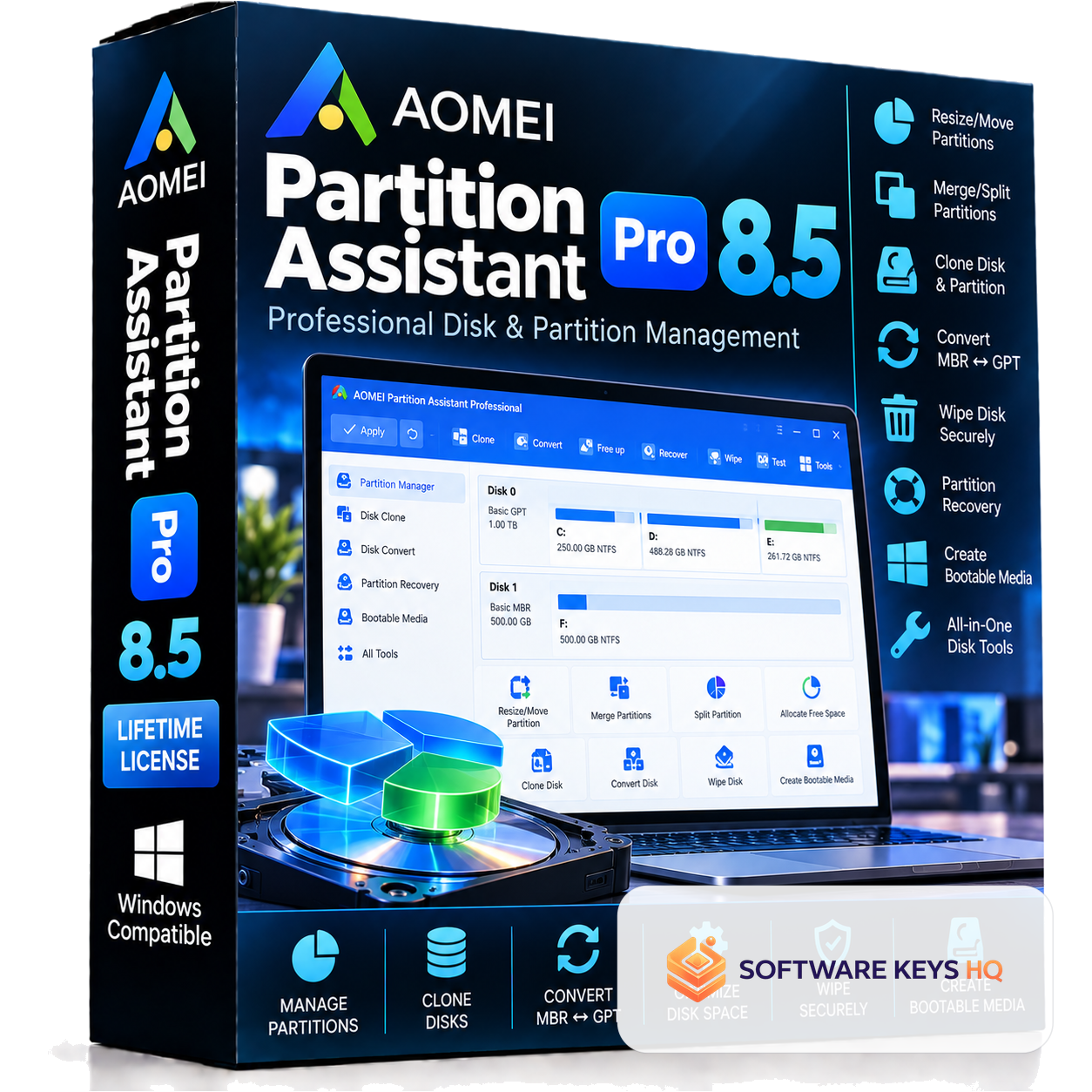
Manage hard drive space, organize storage volumes, and optimize system performance with AOMEI Partition Assistant Professional 8.5. Designed for PC enthusiasts, power users, and IT technicians, this utility provides tools to resize, merge, convert, clone, and format partitions safely without data loss or Windows reinstallations. Key Features & Highlights Safe Partition Management: Easily resize, extend, shrink, move, merge, and split storage partitions without compromising existing files or rebooting for standard operations. Disk Cloning & OS Migration: Clone entire HDDs/SSDs or migrate your Windows operating system partition directly to a high-speed SSD in just a few clicks. Lossless MBR & GPT Disk Conversion: Convert system and data disks between MBR and GPT partition styles for modern UEFI motherboard support without formatting or reinstalling Windows. Partition Recovery Wizard: Quickly search for and restore deleted, lost, or corrupted partitions caused by accidental deletion or virus attacks. Emergency Bootable Media Creator: Create a bootable WinPE USB flash drive or CD/DVD to repair partition tables or manage drives when your PC fails to boot. Multilingual User Interface: Fully supports multiple interface languages, including English, French, German, Spanish, Italian, and Russian. Broad Windows Compatibility: Runs smoothly across Windows 11, 10, 8.1, 8, and 7 (both 32-bit and 64-bit systems). Perpetual Version License: One-time purchase providing lasting activation for version 8.5 with no monthly or yearly recurring subscription fees. Instant Digital Delivery: Official activation key and step-by-step registration guide sent directly to your email inbox immediately upon checkout. Quick Activation Guide Install AOMEI Partition Assistant 8.5 on your computer. Launch the application. Click the Register icon (key symbol) in the top-right corner of the main dashboard. Paste your delivered license key into the registration field and click Register to permanently unlock all Professional features. Important Version & Update Notice Version-Specific Key: This license is designed strictly for AOMEI Partition Assistant 8.5. Do Not Update: Disable automatic updates and do not upgrade to newer versions (such as 9.x, 10.x, or later), as updating will invalidate the activation key. Frequently Asked Questions Can I expand my C: drive without losing my documents? Yes. AOMEI Partition Assistant Pro is designed to allocate unallocated space or merge free space from adjacent partitions to extend your C: drive without erasing your files or applications. Is this a recurring subscription? No. This is a perpetual license for version 8.5. You pay once for 1 computer with no ongoing monthly or annual subscription charges. Can I convert MBR to GPT without reinstalling Windows? Yes. The software converts MBR disks to GPT (and vice versa) while keeping the operating system, installed programs, and data intact. Can I reinstall the software if I format my PC? Yes. As long as you install version 8.5 on the same computer, you can re-enter your original license key to reactivate it.
Key features
- AOMEI license — activates directly with the publisher, never a crack or "activator" tool
- Runs on Windows
- Lifetime validity from activation
- Delivered by secure link, emailed fast after payment
- Free replacement if a key ever fails to activate
What's included
- 1 real license key, delivered by secure link, fast after payment
- Step-by-step activation instructions
- Free replacement if the key is ever faulty
- Access to your key anytime from your secure order page
License information
Requires Windows. Check your device runs Windows before purchasing — keys can't be reissued once revealed.
- Duration: Lifetime
- Platform: Windows
Delivery process
- Pay securely by card via Stripe checkout.
- Your order is prepared — this item has a short preparation step, handled fast.
- You'll get an email with a link to access your key, fast — always viewable again from your secure order page.
- Guests confirm their email with a one-time code before the key is released, to make sure it reaches the right inbox.
Why buy from Software Keys HQ
Real keys only
Every key is sourced through legitimate distribution channels and activates directly with the publisher — never a crack, loader, or "activator" tool.
Fast delivery
This item has a short preparation step, then it's delivered fast — with an email guide and a link to access your key.
Replacement warranty
If a key ever fails to activate, email support@softwarekeyshq.com with your order number for a free replacement.
Secure checkout
Payments are processed by Stripe — we never see or store your card details.
Good to know
Is this AOMEI Partition Assistant Professional 8.5 — Perpetual Version License Key (1 PC / Windows) legit?
Yes — every Software Keys HQ key is authentic and activates directly with the publisher. We never sell cracks or "activator" tools.
How fast will I receive my key?
Fast — this item has a short manual preparation step, then you'll get an email with a link to access your key, always viewable again from your secure order page.
How do I activate AOMEI Partition Assistant Professional 8.5 — Perpetual Version License Key (1 PC / Windows)?
Download the software from the publisher's official website, install it, then enter the license key from your secure order page when prompted to activate.
What if the key doesn't activate?
First make sure it's entered on the correct platform and edition. If it still fails, email support@softwarekeyshq.com with your order number — every key is warranty-backed and faulty keys are replaced free of charge.
How can I pay?
Pay securely by credit or debit card, processed via Stripe at checkout.
Why is it cheaper than retail?
We source keys through legitimate volume and regional distribution channels and pass the saving on — the same key, without the retail markup.