 Software Keys HQ
Affinity Designer vs Illustrator: Which Should You Buy in 2026?
Affinity Designer vs Illustrator compared on price and features — see what a one-time lifetime license saves over an Illustrator subscription.
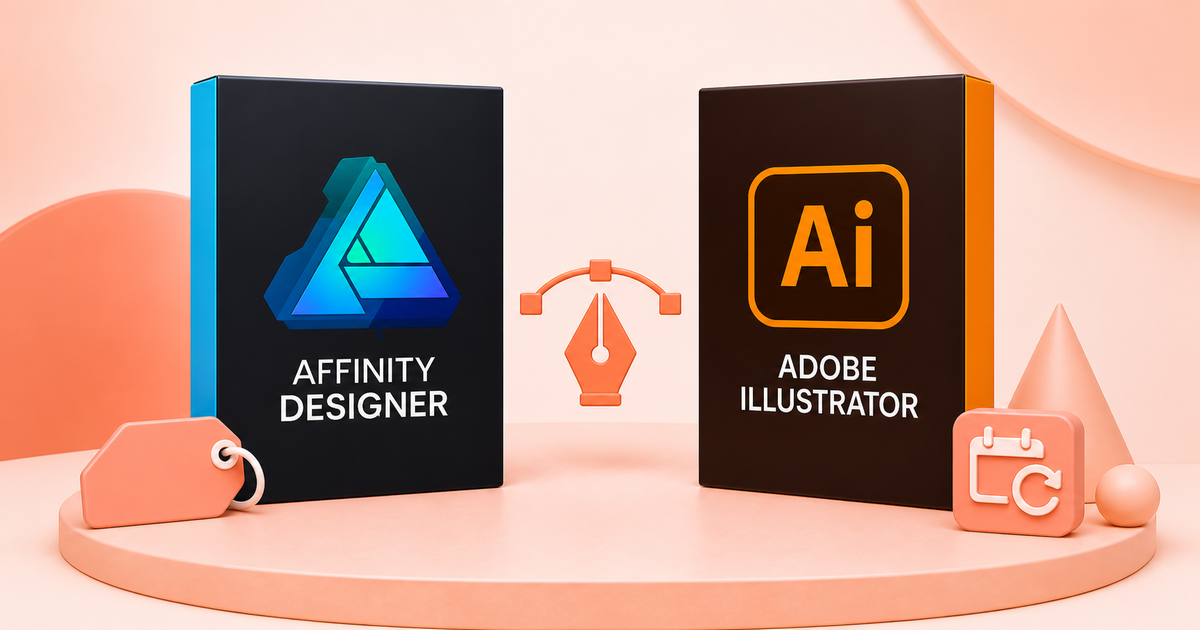
One is a $9.99 lifetime key. The other is a subscription that never ends. Here's how Affinity Designer and Adobe Illustrator actually compare on price, features, and who each one is really for.
Affinity Designer is a one-time purchase; Adobe Illustrator is a subscription. That's the difference that actually decides this for most people — everything else is a matter of workflow preference between two genuinely capable vector tools.
The real cost difference
Adobe Illustrator on its own runs about $23/month, or roughly $263/year with tax — and that's forever, for as long as you use it. Affinity Designer is a single $9.99 purchase for a perpetual license: pay once, own it, no subscription clock.
- Price model — Affinity Designer: one-time purchase. Adobe Illustrator: monthly/annual subscription.
- Cost year 1 — Affinity Designer: $9.99 total. Adobe Illustrator: ~$263/year.
- Cost over 3 years — Affinity Designer: $9.99 total. Adobe Illustrator: ~$789.
- Platform — Affinity Designer: Windows, Mac. Adobe Illustrator: Windows, Mac, iPad.
- Raster editing built in — Affinity Designer: Yes (Pixel Persona). Adobe Illustrator: very limited.
- Adobe Creative Cloud integration — Affinity Designer: no. Adobe Illustrator: yes (Photoshop, InDesign).
Run the math over three years and Illustrator costs roughly 80x what a lifetime Affinity Designer key costs. That gap is the whole argument for most freelancers and small studios.
Where Illustrator still wins
If your studio is already built around Creative Cloud — shared libraries, InDesign handoff, Photoshop round-tripping — Illustrator's integration is real and switching has a genuine cost. Some plugin ecosystems and enterprise print workflows are also built specifically around Illustrator file compatibility, and very large agencies with dedicated design teams often have the subscription cost absorbed into overhead anyway, which changes the calculation.
Where Affinity Designer wins
Affinity Designer includes a full raster editing mode (Pixel Persona) built into the same app — something Illustrator doesn't really attempt. For anyone doing vector work who occasionally needs to touch up a photo or bitmap without opening a second application, that's a meaningful workflow advantage, not just a price one. The interface is also frequently described as more approachable for newer designers, without Illustrator's decades of accumulated menu complexity.
Is Affinity Designer good enough for professional work?
Yes. It's used in production by working designers, agencies, and freelancers — the file formats, precision tools, and export options are professional-grade. The main practical limitation is Creative Cloud file interoperability if your collaborators are Illustrator-only; Affinity can open and export .ai files, but complex files with heavy effects don't always round-trip perfectly.
Switching from Illustrator: what actually changes
The core vector toolset maps over fairly directly — pen tool, shape tools, boolean operations, and layer structure all work the way an Illustrator user would expect, so the learning curve is shorter than switching to something structurally different like Inkscape. What takes adjustment is Affinity's Persona system (separate modes for vector, raster, and export work within one file) replacing Illustrator's single-workspace-plus-Photoshop-handoff habit. Keyboard shortcuts are customizable, and Affinity ships an "Illustrator-style" shortcut option specifically to shorten this adjustment period.
The friction point isn't the tool — it's existing files. If you have years of .ai files with complex effects, gradients, or linked assets, budget time to check how they open before fully committing, rather than assuming a clean 1:1 conversion on your first big project.
Learning resources
Affinity's own in-app "Affinity Workbook" and official YouTube tutorials cover the Persona system and common workflows directly. Because the interface differs from Illustrator's, expect a genuine adjustment period of a few real projects — not hours — before it feels as fast as the tool you're used to.
The bottom line
If you're not deep into an existing Adobe workflow, a one-time $9.99 key is the harder deal to argue against — you get a genuinely capable, professional vector tool with no recurring cost, ever. If your business is already committed to Creative Cloud integration, that switching cost is real and worth weighing against the savings.
Get it
Affinity Designer 1.10 — Perpetual License (Windows/Mac) — $9.99, one-time.
*Also doing photo editing? See our companion comparison: Affinity Photo vs Photoshop.*
Related guides
- Best Rendering Software 2026: Enscape vs Twinmotion vs Corona vs KeyShot
- Affinity Photo vs Photoshop: Is a One-Time Purchase Alternative Worth It?
- Adobe Acrobat Pro: Lifetime Key vs Subscription — What Is the Real Difference?
Shop software keys — Windows, Microsoft Office, antivirus and business licenses, delivered fast.