 Software Keys HQ
Adobe Acrobat Pro: Lifetime Key vs Subscription — What Is the Real Difference?
Compare Acrobat Pro perpetual and subscription licensing, support, security updates, cloud tools and long-term cost before you choose.
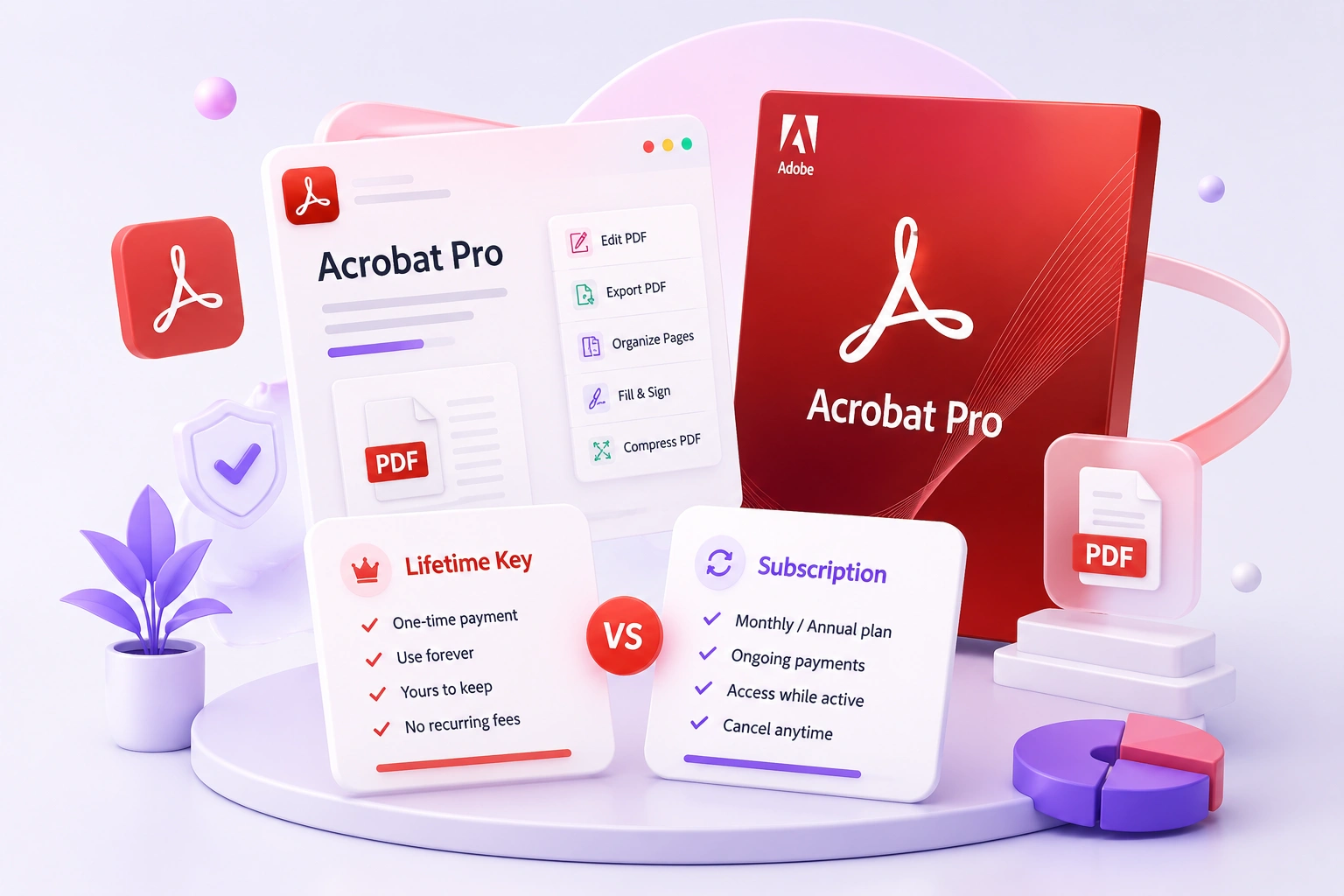
A perpetual Acrobat license and an Acrobat subscription are not the same product. Compare support, security, cloud features and long-term cost.
Acrobat licensing in 2026 needs more precise language than "lifetime versus subscription." Adobe's old numbered perpetual releases can continue to run under their purchased terms, but Acrobat 2020 is now unsupported. Adobe identifies Acrobat Pro 2024, a three-year term desktop product, as the current non-subscription choice for customers who do not want the continuously updated Acrobat Pro subscription.
That creates three different comparisons: an unsupported legacy perpetual release, a fixed-term desktop-only release, and the current cloud-connected subscription. They differ in support, security updates, web and mobile services, e-signature workflow and how long the entitlement lasts.
The word "lifetime" only makes sense for a qualifying perpetual release and should never be used as shorthand for lifetime vendor support. A perpetual application can outlast its security-update window, stop working on a future operating system, or need replacement even though the original right to use that release did not have a subscription renewal.
For a business workstation that opens customer PDFs, current security support should be treated as a requirement. For a controlled legacy machine, a fixed desktop feature set may be acceptable. The right choice begins with release and support status, not the lowest multi-year total. This guide separates those facts before comparing features and cost.
Also separate application ownership from connected services. Local editing, OCR, redaction and print production can exist in a fixed desktop release, while cloud storage, browser tools, mobile workflows and managed signature services depend on the plan. A buyer who needs only local editing should not value every online extra at full price; a team routing contracts should not assume an old desktop license reproduces a modern cloud process.
Finally, model the expected machine lifecycle. A one-time legacy release may look cheapest across five years but require an earlier replacement after an operating-system upgrade. A three-year desktop term has a defined planning horizon. A subscription costs continuously but keeps the supported release current. Include migration time and document-security policy alongside the invoice total.
Teams should also separate one editor from several reviewers. A single Acrobat desktop license may cover the person preparing the final PDF while colleagues review through other approved tools. If every participant must edit, sign or manage documents, count users and workflow services explicitly. Do not infer team rights from the fact that a file itself can be emailed.
For regulated or sensitive work, test redaction, certificate validation, accessibility checks and archival output on the exact release. A familiar interface does not guarantee that an old version meets a current policy. Keep a sample document set and verify it before migrating or committing to a term. Document the tested release, operating system and workflow so the decision can be reviewed when support or hardware changes. Repeat that review annually.
The 2026 support reality for Acrobat 2020
There is an important date that changes this comparison. Adobe ended support for Acrobat 2020 on November 30, 2025. The application does not suddenly stop opening on that date, but Adobe no longer supplies technical support or security updates for that release. Adobe identifies Acrobat Pro 2024, sold as a three-year term license, as its current desktop-only non-subscription option.
That distinction matters because "lifetime" describes how long a perpetual license can continue to activate under its terms; it does not promise lifetime vendor support, lifetime compatibility with future operating systems, or lifetime security fixes. A listing can therefore offer a real perpetual license and still be a poor fit for a machine that regularly opens PDFs received from strangers.
For a current work computer, especially one used for contracts, invoices, client uploads or email attachments, support status deserves more weight than the one-time price. For an isolated legacy workflow, Acrobat 2020 may still perform the required desktop tasks, but the buyer should make that choice knowingly.
Adobe's current lifecycle notice is the best place to verify the dates: Adobe's Acrobat 2020 end-of-support notice.
Feature comparison by real workflow
Editing and preparing PDFs
Both a capable perpetual release and the current Acrobat Pro desktop app can edit text and images, combine documents, organize pages, run OCR, export to Office formats, redact sensitive information and prepare files for print. If those are the only jobs you perform, a perpetual release can cover the core workflow without a recurring payment.
The subscription becomes more useful when the workflow extends beyond one desktop. Its value is not merely "newer buttons." It includes continuing compatibility work, web and mobile services, cloud-connected sharing, and newer e-signature and collaboration functions. Teams that receive documents on several devices or send them through an approval process benefit more than a single user who edits local files.
Signatures and document tracking
There is a major difference between placing a signature appearance in a PDF and running a managed signature workflow. Basic signing and certificate tools exist in desktop releases. Subscription services add conveniences such as sending, reminders, status tracking and web access, subject to the exact plan and usage limits. If signed documents are part of a regulated process, check the current plan terms rather than assuming every "sign" button provides the same audit trail.
Cloud storage and mobile access
A desktop-only license is best treated as local software. A subscription is the stronger choice when files must move between desktop, browser and phone without a manual storage workflow. Some buyers already have approved storage and do not want another cloud service; for them, the absence of bundled storage can be a benefit rather than a drawback.
A five-question decision test
- Will the computer open untrusted PDFs? Prefer a supported release that still receives security fixes.
- Do you need Acrobat on more than one platform? Check the subscription's sign-in and device terms; do not assume a one-device perpetual key covers both Windows and Mac.
- Are web, mobile or managed e-signatures important? Those push the decision toward subscription.
- Is the workflow fixed and offline? A perpetual desktop release may be sufficient if its support status is acceptable.
- How many years will you keep the same setup? Compare total cost across that period, including the likely cost of replacing an unsupported release.
What to verify before buying any Acrobat license
Ask for the exact product name and release, supported operating system, device count, license term, activation method and replacement policy. "Acrobat Pro lifetime" is not specific enough by itself. It could refer to a numbered perpetual release, an unsupported old release, or a listing that incorrectly applies lifetime language to a subscription account.
Avoid shared accounts. A seller should deliver a license or redemption method intended for you, not credentials that remain under someone else's control. Also distinguish a key from a pre-activated installer; software that requires disabling security tools or running an unknown activation patch is not the same as licensed Adobe software.
For the perpetual options currently stocked here, compare the exact release and platform in Creative & Design software, then weigh the savings against the support date before purchasing.
Bottom line
Choose subscription when security updates, current operating-system support, cloud access and evolving workflows matter. Choose a perpetual release only when its fixed desktop feature set is enough and you understand its remaining support life. In 2026, Acrobat 2020 should be treated as an unsupported legacy option, not as a drop-in equivalent to the current subscription.
Related guides
- CorelDRAW vs Adobe Illustrator: Which Should You Buy?
- Adobe Creative Cloud: All Apps vs a Single App License
- Autodesk AutoCAD vs AEC Collection: Which Subscription Should You Buy?
Shop software keys — Windows, Microsoft Office, antivirus and business licenses, delivered fast.