 Software Keys HQ
CorelDRAW vs Adobe Illustrator: Which Should You Buy?
CorelDRAW vs Adobe Illustrator compared — licensing model, workflow, and price differences, so you pick the right one.
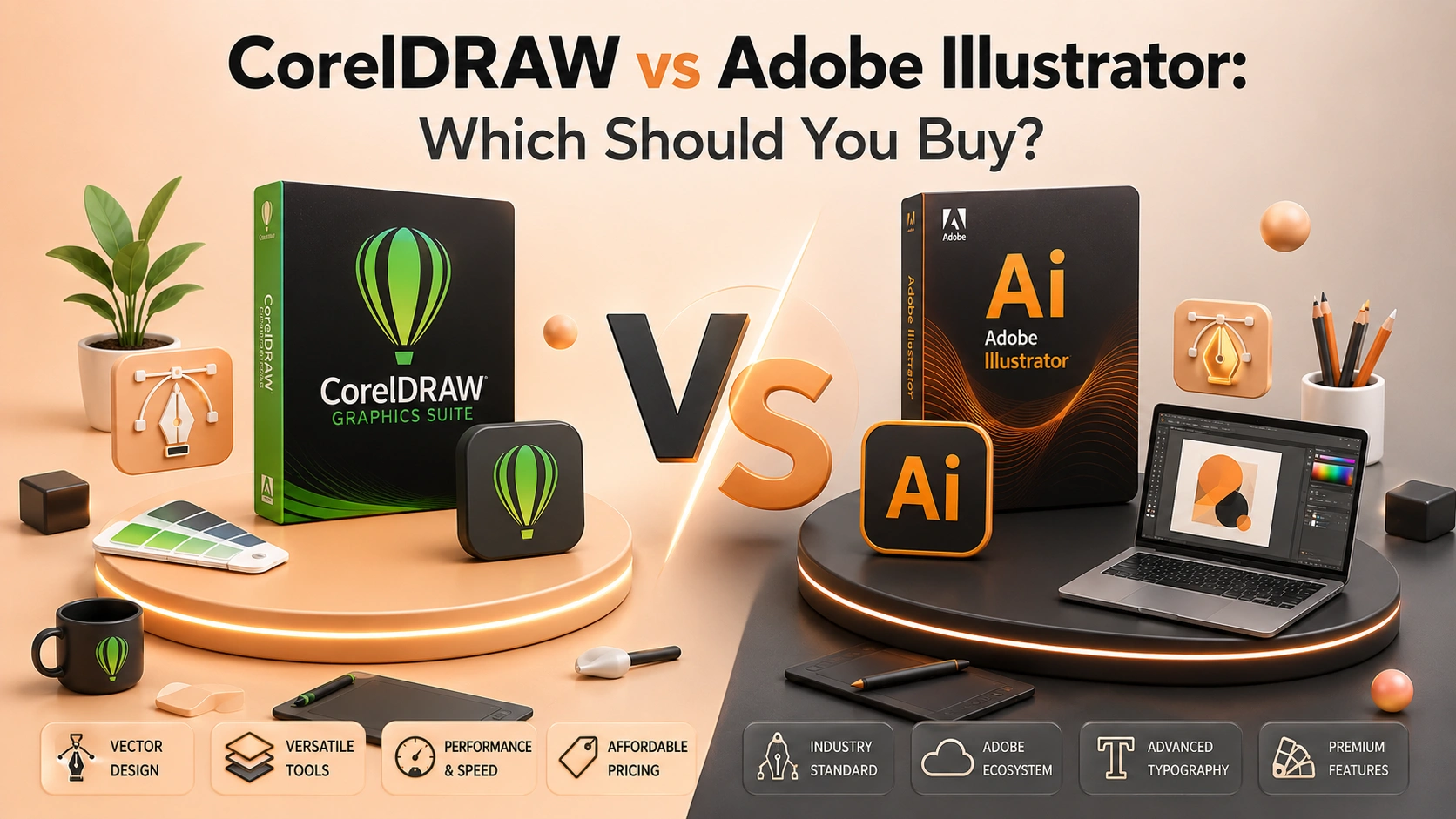
CorelDRAW vs Adobe Illustrator — both do vector design, but they differ in licensing model, workflow, and price. A clear comparison.
Introduction
CorelDRAW and Adobe Illustrator both do vector graphic design — logos, illustrations, print layouts — but they differ in exactly the place that matters most for a buying decision: how you pay for them.
Licensing Model: The Real Difference
This is where the two products genuinely diverge. CorelDRAW is sold as a perpetual license — pay once, own that version forever, with no subscription required. Adobe Illustrator is subscription-only — it's part of Adobe Creative Cloud, billed monthly or yearly, and stops working the moment you cancel. If you want software you own outright with no recurring bill, that alone can decide the purchase before workflow differences even come into it.
Workflow and Feature Differences
Illustrator has been the industry standard in professional design studios for years, which means broader compatibility with agency workflows, more third-party plugins, and deeper integration with the rest of Adobe's Creative Cloud apps (Photoshop, InDesign) for teams already using them. CorelDRAW's interface is generally considered more approachable for people newer to vector design, and it bundles additional tools (Corel PHOTO-PAINT for raster editing, a font manager) directly in the box rather than as separate purchases.
File compatibility runs both ways with some friction: CorelDRAW can open and export AI files with reasonable fidelity for most work, but pixel-perfect compatibility with complex Illustrator files isn't guaranteed — worth testing with your specific files if you're switching an existing workflow.
Price Comparison
Adobe Illustrator alone runs a recurring monthly fee direct from Adobe, or a higher recurring fee as part of the full Creative Cloud All Apps bundle if you need more than one Adobe app. CorelDRAW is a one-time purchase per version — no ongoing cost after that.
See CorelDRAW Graphics Suite 2026 — Lifetime Key for the current one-time price, or Adobe Creative Cloud All Apps if you specifically need Illustrator alongside other Adobe apps.
Which One Should You Buy?
- CorelDRAW if you want to own the software outright with no subscription, primarily do vector/print design, and don't specifically need deep integration with other Creative Cloud apps.
- Illustrator if your work already runs through Creative Cloud (Photoshop, InDesign), you need maximum compatibility with agency/studio workflows that standardize on Adobe, or you specifically need Adobe's plugin ecosystem.
For an independent designer or small studio that doesn't need the full Creative Cloud suite, CorelDRAW's one-time price is a real, meaningful saving over years of Illustrator's subscription — the deciding factor is whether your workflow actually depends on Adobe-specific integration.
FAQ
Can CorelDRAW open Adobe Illustrator (.ai) files? Yes, with generally good fidelity for most designs — complex files with advanced effects may need some cleanup after import.
Is CorelDRAW good enough for professional client work? Yes — it's a full professional vector suite used in real production work, not a consumer-tier alternative.
Does CorelDRAW ever require a subscription? No — the standard CorelDRAW Graphics Suite license is a one-time, perpetual purchase for that version.
Related guides
- Adobe Acrobat Pro: Lifetime Key vs Subscription — What Is the Real Difference?
- Adobe Creative Cloud: All Apps vs a Single App License
- Autodesk AutoCAD vs AEC Collection: Which Subscription Should You Buy?
Shop software keys — Windows, Microsoft Office, antivirus and business licenses, delivered fast.