 Software Keys HQ
Adobe Creative Cloud: All Apps vs a Single App License
Compare Adobe Creative Cloud Pro or All Apps with a Single App plan by applications, Firefly access, storage and workflow before subscribing.
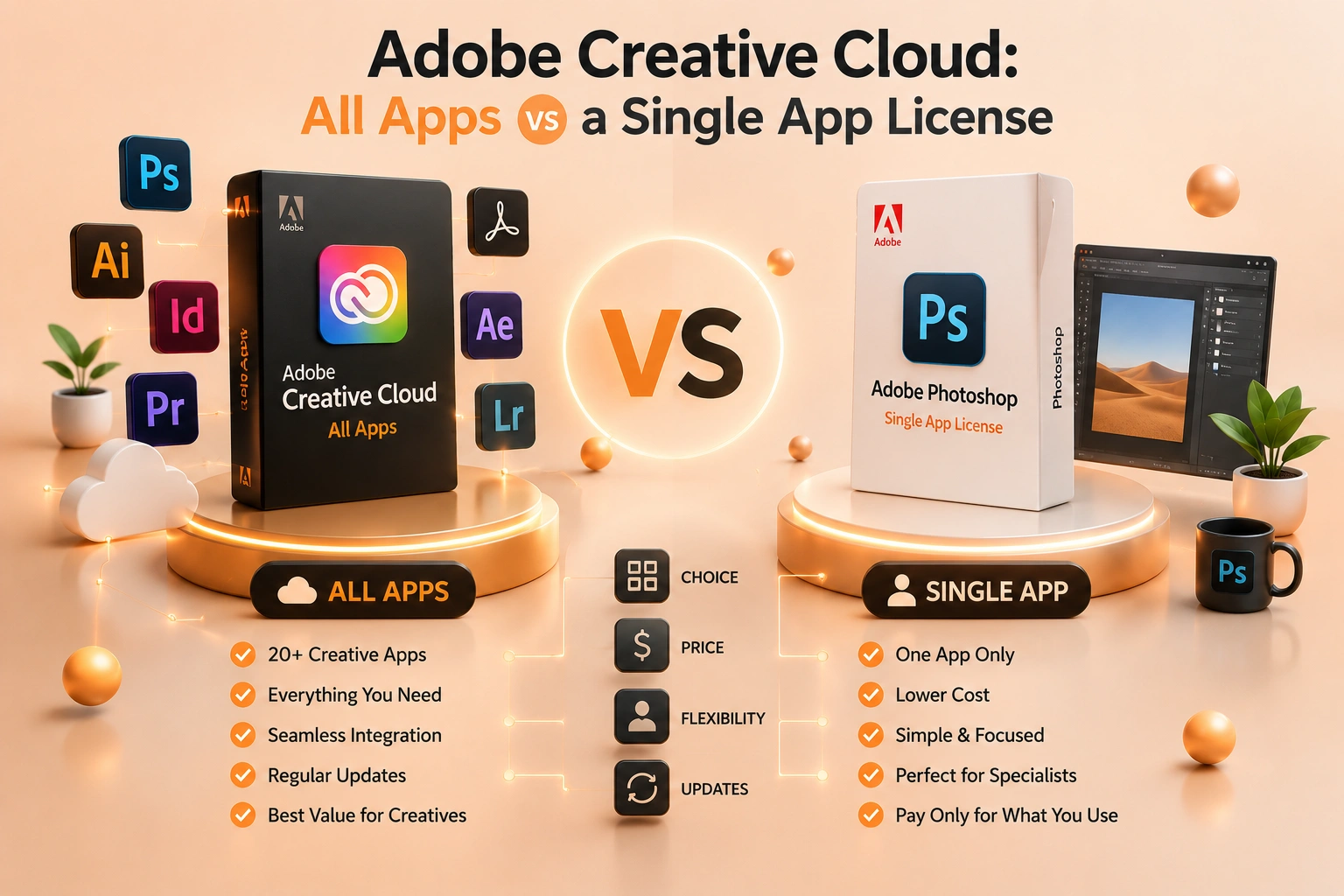
One Adobe app is cheaper when your workflow is narrow. Creative Cloud Pro becomes useful when projects regularly cross between multiple applications.
Adobe's multi-application Creative Cloud plan and a Single App plan use the same subscription ecosystem but serve different workflows. Single App is not an inferior edition of Photoshop, Illustrator or Premiere Pro; it is full access to the selected application under that plan. The broad plan earns its cost when paid work repeatedly crosses into several Adobe applications or depends on its larger service bundle.
In many markets the former Creative Cloud All Apps name became Creative Cloud Pro. Adobe also changed how Firefly, web and mobile features and generative credits are packaged. That makes old comparison tables unreliable even when the desktop app list looks familiar.
The safest decision is to map a real project from source file to final delivery and mark each application that is required—not merely interesting. Then compare current regional plan terms, annual commitment, renewal, storage and AI allowances.
Account ownership matters for paid work. An individual freelancer should control the Adobe ID, recovery methods and stored assets. A company should compare team administration and decide how libraries, review links and files survive staff changes. A cheap plan attached to somebody else's account is not equivalent to a license the buyer can manage.
Keep original project files in a storage and backup system the organization controls. Canceling or changing an Adobe plan should not make the only copy of a paid deliverable inaccessible. Test exports before changing plans or ownership.
A naming change to understand in 2026
Adobe renamed the former Creative Cloud All Apps plan to Creative Cloud Pro in many markets. It still represents the broad multi-application subscription, but Adobe now emphasizes Firefly generative features and distinguishes Pro from other Creative Cloud bundles. Plan names, included credits and web or mobile entitlements can vary by country and change over time, so compare the current checkout page rather than relying on an old All Apps screenshot.
Adobe currently describes Creative Cloud Pro as access to more than 20 creative applications plus Firefly tools. Its overview is available on Adobe's Creative Cloud Pro page.
What a Single App plan actually includes
A Single App plan is not a cut-down trial of the selected desktop application. It provides the current version of that application, updates and the services bundled with that plan. The limitation is scope: Photoshop Single App does not give you full Premiere Pro, Illustrator or InDesign simply because Creative Cloud Desktop is installed.
Single App is the cleanest choice when one application produces the final deliverable and supporting tasks can be handled with tools you already own. An illustrator who stays in Illustrator, an editor who only needs Premiere Pro, or a layout professional working exclusively in InDesign can avoid paying for a suite they do not use.
Check adjacent needs honestly. A Photoshop workflow often relies on Lightroom; video work may need After Effects, Audition or Media Encoder; brand production may move between Illustrator, Photoshop and InDesign. Once paid work regularly crosses those boundaries, the multi-app plan becomes a workflow purchase rather than a collection of unused icons.
What the multi-app plan adds
The broad plan covers Adobe's major creative desktop applications and connected services under one membership. That reduces friction when a project changes format: edit source graphics in Illustrator, composite in Photoshop, lay out in InDesign, animate in After Effects and deliver through Premiere without adding separate subscriptions mid-project.
It also simplifies updates and account management. The benefit is strongest for multidisciplinary freelancers, agencies, in-house marketing teams, educators covering several subjects, and creators whose output spans photography, design and video.
Not every Adobe product is included. Specialized products and certain services can have separate plans. Verify any must-have application by name; "all apps" is a commercial plan label, not a promise that every Adobe product ever made is included.
The break-even test that is better than counting apps
Do not ask how many applications you might open once. Ask how many are required to finish paid or recurring work. One essential application favors Single App. Two essential applications require a price comparison. Three or more regularly used applications usually make the multi-app plan easier to justify, but regional promotions and specialized bundles can change the arithmetic.
The Photography plan is a notable exception: photographers who need both Photoshop and Lightroom should compare that bundle before buying either Single App or the full suite. Buying the broadest plan by default is not always the lowest-cost way to obtain two closely related tools.
Firefly and generative-credit differences
Adobe has changed how generative features and credits are packaged. Creative Cloud Pro is positioned with broader Firefly access, while Single App and other plans may have lower monthly allowances or different access to premium generation. These entitlements can change more quickly than the desktop application list.
If generative fill, video generation, translation or other premium features affect production capacity, inspect the current credit table and overage rules. If AI features are irrelevant to the job, do not let a large credit number outweigh the cost of applications you will never use.
Storage, collaboration and team ownership
Cloud storage is useful for libraries, shared assets and work across devices, but it is not a substitute for a tested backup. Confirm the included amount and keep independent copies of source files. When a team plan is involved, decide who owns libraries, fonts, review links and assets if an employee leaves.
Individual and team subscriptions can include different administration and support features even when the application names look similar. A company that needs centralized seat reassignment should compare team plans rather than purchasing unrelated individual accounts for staff.
Annual commitment versus monthly billing
"Billed monthly" does not always mean "cancel any month without an early termination charge." Adobe commonly offers annual commitments paid monthly as well as true month-to-month plans. Read the commitment and cancellation terms displayed at checkout. Compare the full first-year and renewal cost, not only the promotional monthly figure.
This is especially important for a temporary project. A one-month need may favor a higher month-to-month rate over a discounted annual commitment. A permanent workflow may favor an annual plan, provided the renewal price is budgeted.
Decision examples
- Logo and vector work only: Illustrator Single App may be enough.
- Photography: compare the Photography bundle before choosing.
- Video editing with motion graphics: Premiere plus After Effects often pushes toward the multi-app plan.
- Marketing production: Photoshop, Illustrator, InDesign and Premiere make the suite practical.
- Student exploring several disciplines: verify education eligibility and included apps.
- Agency team: compare team administration, asset ownership and seat management, not just app count.
Before purchasing
List the applications required today, those likely required in the next year, the operating systems in use, storage needs, Firefly usage, number of users and who will own the account. Then compare the exact plan term and renewal price.
For currently stocked Adobe terms, start with Creative & Design software. Match the listing to your Adobe account, region and required plan rather than buying solely from the phrase "All Apps."
Bottom line
Single App wins when one tool completes the workflow. Creative Cloud Pro or the broad multi-app plan wins when work repeatedly crosses application boundaries or when its bundled services replace separate costs. Use required workflows, not curiosity about extra apps, as the deciding factor.
Related guides
- Adobe Acrobat Pro: Lifetime Key vs Subscription — What Is the Real Difference?
- CorelDRAW vs Adobe Illustrator: Which Should You Buy?
- Autodesk AutoCAD vs AEC Collection: Which Subscription Should You Buy?
Shop software keys — Windows, Microsoft Office, antivirus and business licenses, delivered fast.