 Software Keys HQ
Best Rendering Software 2026: Enscape vs Twinmotion vs Corona vs KeyShot
Enscape vs Twinmotion vs Corona vs KeyShot compared — real-time vs offline rendering, pricing, and which fits your CAD workflow.
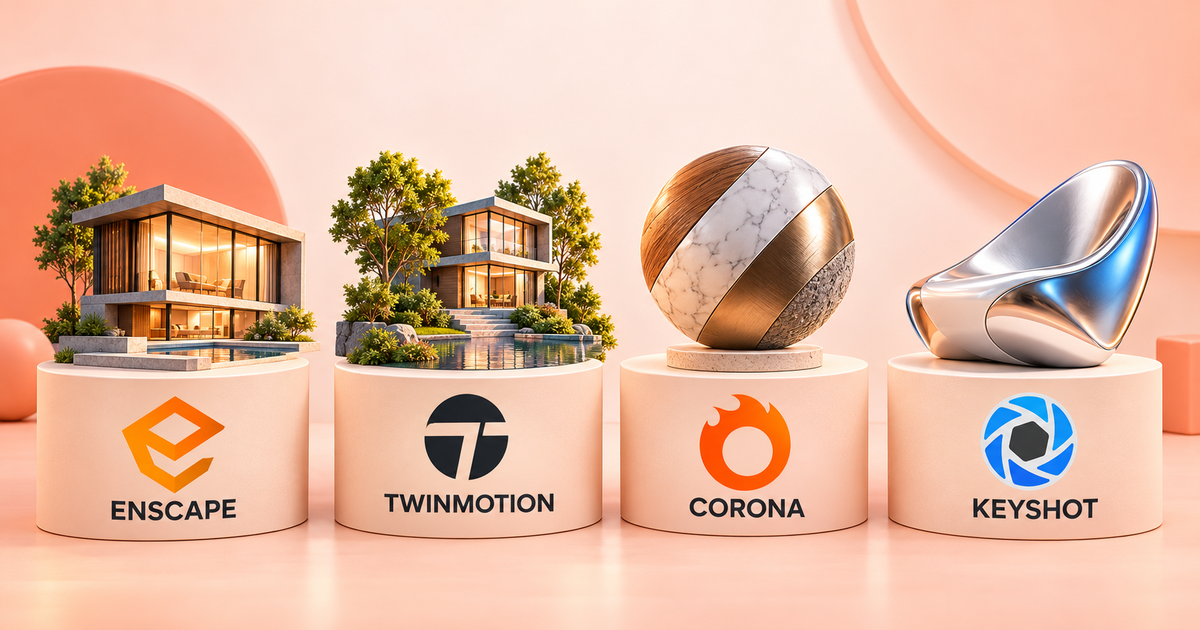
Real-time or offline, architectural or product visualization — here's how Enscape, Twinmotion, Corona Renderer, and KeyShot actually compare, and which one fits your workflow.
These four tools solve overlapping but distinct problems: real-time architectural walkthroughs, offline photorealistic rendering, and product visualization. Picking the wrong one for your workflow wastes both the license cost and your time — here's how they actually differ.
Enscape — real-time architectural visualization
##Best rendering software for Solidworks
Enscape plugs directly into SketchUp, Revit, Rhino, and Vectorworks, rendering in real time as you model — no separate render queue, no waiting. It's built specifically for architects doing client walkthroughs and design iteration where seeing changes instantly matters more than maximum photorealism.
Best for: architecture firms doing live client presentations and fast design iteration inside their existing modeling software.
Twinmotion — real-time visualization with cinematic output
Built on Unreal Engine, Twinmotion also renders in real time but leans harder into cinematic quality — lighting, weather effects, and animated walkthroughs that look closer to a game engine's output than a technical rendering. It integrates with a similarly wide range of CAD/BIM tools.
Best for: presentations where visual drama matters as much as accuracy — marketing renders, cinematic fly-throughs, competition submissions.
Corona Renderer — offline photorealism
Corona is an unbiased, physically-based offline renderer (plugs into 3ds Max and Cinema 4D) built for maximum photorealistic accuracy rather than real-time speed. You wait longer for each frame, but the lighting and material accuracy is built for final, publication-quality output rather than live iteration.
Best for: final marketing renders and stills where photorealistic accuracy matters more than speed.
KeyShot — product visualization
KeyShot is built specifically for product design and industrial design rendering — the kind of clean, studio-lit product shots used in e-commerce, marketing, and design portfolios. It's less about architectural space and more about a single object rendered with precise material and lighting control (metals, plastics, fabrics rendering realistically out of the box).
Best for: product designers and manufacturers needing polished, studio-quality renders of physical products — pairs naturally with SolidWorks or other CAD product-design workflows.
Pricing model comparison
- Enscape — subscription (account or key), $167-356/year.
- Twinmotion — subscription, $275/year.
- Corona Renderer — subscription (account or key), $275-356/year.
- KeyShot — subscription, $383/year.
Unlike most of the software covered elsewhere on this site, none of these professional rendering tools offer a true perpetual license — all four are ongoing subscriptions, reflecting how this category of software is licensed industry-wide. The "account" tier pricing (where available) is typically cheaper than the dedicated license-key tier, trading a small amount of flexibility (tied to one login rather than a transferable key) for a lower price.
Hardware requirements differ a lot between these
Real-time renderers (Enscape, Twinmotion) lean heavily on GPU performance — a stronger graphics card makes an immediate, visible difference in viewport smoothness during live client walkthroughs. Offline renderers (Corona) are more CPU/GPU-hybrid-dependent and trade render time for quality rather than requiring real-time frame rates at all. KeyShot sits in between — GPU-accelerated modes speed things up significantly, but it also runs acceptably CPU-only for single-product renders where turnaround time is less critical than in an architectural walkthrough.
Which one should you actually buy?
- Architecture, real-time client walkthroughs, working in Revit/SketchUp: Enscape
- Cinematic, dramatic architectural visualization: Twinmotion
- Final photorealistic stills, working in 3ds Max/Cinema 4D: Corona Renderer
- Product design renders, working in SolidWorks or similar CAD: KeyShot
The bottom line
There isn't one "best" renderer here — the right choice depends entirely on whether you're rendering buildings or products, and whether you need real-time iteration or maximum final-frame quality. Most studios doing serious visualization work end up owning more than one for different stages of a project.
Get it
Enscape Premium Commercial — 1 Year ($167) · Twinmotion — 1 Year Subscription ($275) · Corona Renderer — 1 Year ($275) · KeyShot Pro — 1 Year Subscription ($383)
*Working with AutoCAD? See our existing comparison guide: Autodesk AutoCAD vs AEC Collection.*
Related guides
- Affinity Photo vs Photoshop: Is a One-Time Purchase Alternative Worth It?
- Affinity Designer vs Illustrator: Which Should You Buy in 2026?
- Adobe Acrobat Pro: Lifetime Key vs Subscription — What Is the Real Difference?
Shop software keys — Windows, Microsoft Office, antivirus and business licenses, delivered fast.