 Software Keys HQ
How to Activate Windows Server 2022 with a Product Key (Step by Step)
Activate Windows Server 2022 with a valid product key — step-by-step instructions, plus how to convert from an Evaluation install first.
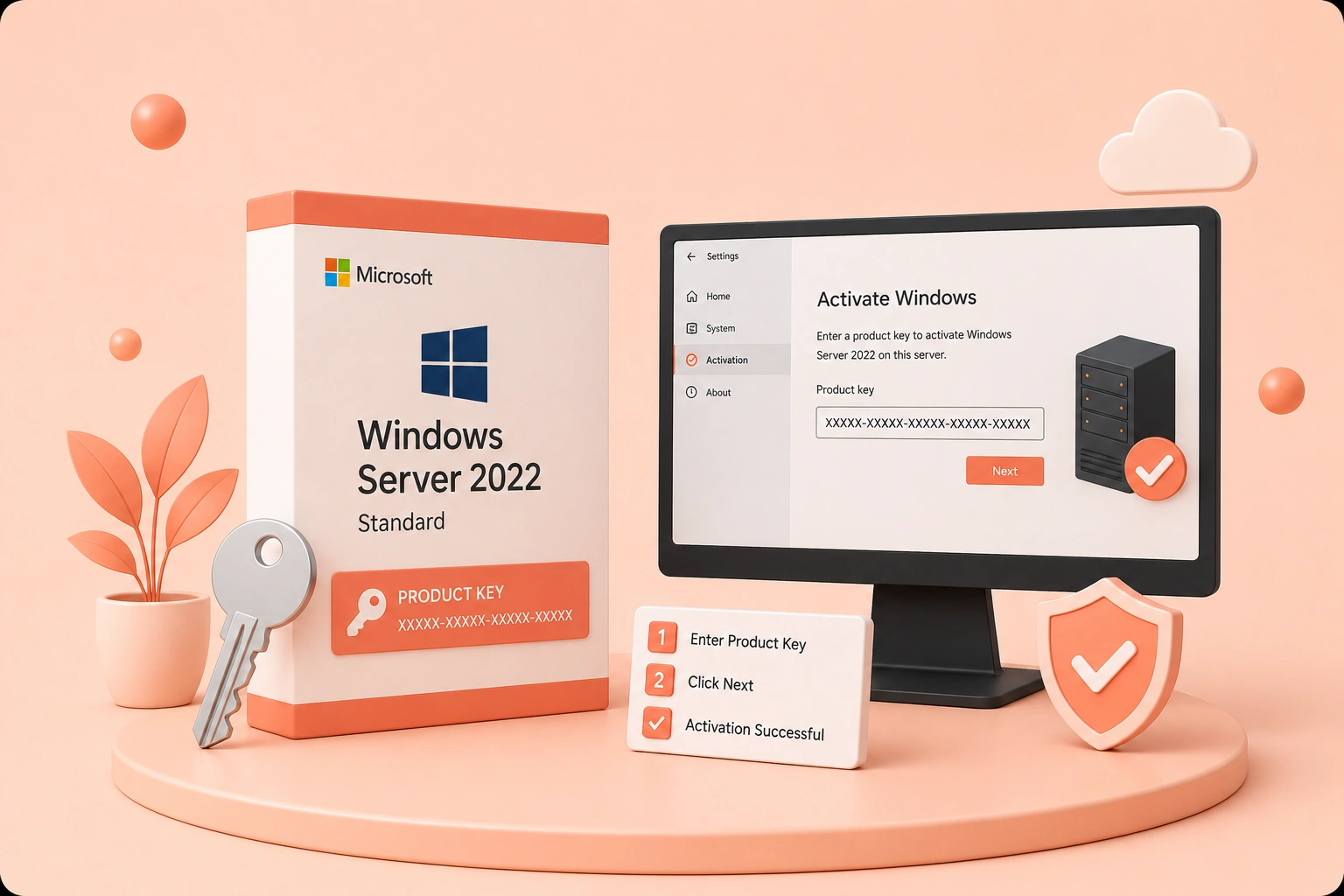
Got a Windows Server 2022 product key? Here is the exact way to activate it, plus what to do if you are converting from an evaluation install.
Activating Windows Server 2022 with a real product key unlocks full functionality and keeps the server eligible for updates. Here is exactly how to do it.
To compare editions, terms and device counts related to this guide, browse Windows & OS.
Step 1 — Open activation settings
Make sure all available updates are installed first. Then click Start, go to Settings, then Update & Security, then Activation.
Step 2 — Enter your product key
- Click "Change product key."
- Type or paste the 25-character key you received by email.
- Click Next.
Windows Server verifies the key with Microsoft's servers and confirms activation within seconds.
Step 3 — Confirm it worked
Go back to Settings, Update & Security, Activation. Under "Windows specifications" you should see "Windows is activated" along with the product key used.
Converting from an Evaluation install
If your server was installed as an Evaluation edition, you'll need to convert it to a retail edition before a standard key will activate it. Open an elevated Command Prompt or PowerShell (Run as administrator) and run:
- `dism /online /set-edition:serverstandard /productkey:XXXXX-XXXXX-XXXXX-XXXXX-XXXXX /accepteula`
Replace the Xs with your product key, then restart the server once the command finishes.
Common questions
- Key won't activate? Double-check all 25 characters were copied correctly, with no extra spaces, and that the key matches your edition (Standard, Datacenter or Essentials).
- Converting from Evaluation and the command fails? Confirm you're running the Standard edition of the dism command if your key is for Standard (swap serverstandard for serverdatacenter if your key is Datacenter).
At Software Keys HQ, every Windows Server key is real, delivered fast, and backed by free replacement support if you ever hit a snag.
Related guides
- Windows Server: Standard vs Datacenter vs Essentials
- How to Find Your Windows Product Key (5 Ways, 2026)
- How to Get Windows 11 Pro Cheap (Without Getting Scammed)
Shop software keys — Windows, Microsoft Office, antivirus and business licenses, delivered fast.