 Software Keys HQ
How to Turn Off Antivirus Auto-Renewal Before It Charges You
Auto-renewal charges before most people notice. How to switch it off, why it does not cancel your current coverage, and what to do if it already charged.
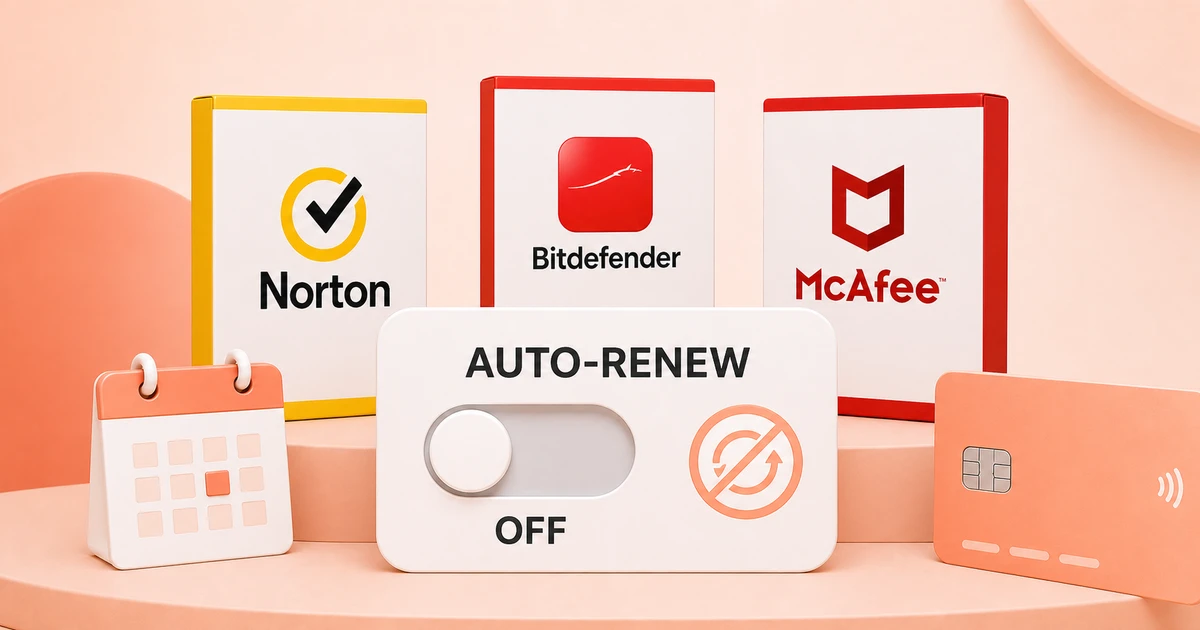
Auto-renewal is on by default and charges before most people notice. Here is how to switch it off without losing the coverage you already paid for.
Auto-renewal is enabled by default on essentially every antivirus subscription, and the charge usually lands before the reminder email has been read properly. Switching it off is quick, and it does not cost you the protection you have already paid for.
Turning it off does not cancel your coverage
This is the single most common misunderstanding, and it is why people leave auto-renewal on when they did not want it.
Disabling auto-renewal stops the future charge. Your current subscription still runs to its normal end date. You keep full protection and updates for every day you paid for.
Cancelling a subscription outright is a different action, and with some vendors it does end coverage immediately. If you only want to stop the next payment, look specifically for auto-renewal rather than cancellation.
Where the setting lives
The exact path differs by vendor and changes as they redesign their account areas, but the shape is consistent:
- Sign in to your account on the vendor website, not the desktop application. The setting is almost never in the installed software.
- Find the area called Subscriptions, My Subscriptions, Services or Billing.
- Locate the active subscription and look for automatic renewal, auto-renewal or recurring billing.
- Switch it off and confirm.
- Wait for the confirmation email and keep it.
That last step matters. If the charge appears anyway, the confirmation is what you need to get it reversed.
Check the card, not just the setting
Some vendors sell through app stores and third-party billing rather than direct. If you bought through a mobile app store, the subscription is managed there, not on the vendor website, and turning off renewal on the vendor site will not stop it.
If you cannot find the subscription in your vendor account, check your app store subscriptions and your card or payment provider for the recurring charge.
Do it early, not on the deadline
Some vendors stop processing changes a short window before the renewal date. Doing this a month ahead avoids arguing about a charge that has already gone through.
Put the end date in your calendar with a reminder a few weeks before. That single reminder is what turns an automatic charge into a decision you get to make.
What to do with the time you just bought
Once renewal is off, you have until your end date to decide without pressure:
- Renew deliberately at list price if the product is worth it to you.
- Ask the vendor for a retention offer.
- Buy a new licence key, which is normally priced well below the renewal rate for identical software.
- Switch products entirely.
If you go the licence key route, wait until your current term actually expires before activating. Activating early can overwrite remaining time rather than adding to it with some vendors, which wastes the days you already paid for.
If you were already charged
Contact support promptly and ask for a refund. Most major antivirus vendors have a refund window after an automatic renewal, and requests inside that window are frequently granted, particularly on a first occurrence. Have your order reference and the date of the charge ready.
The window is measured in days rather than months, so speed matters more than argument.
Related guides
- The Cheapest Way to Renew Your Antivirus in 2026
- Why Your Antivirus Renewal Costs Two to Three Times Year One
- Bitdefender vs Norton: Which Antivirus Should You Buy in 2026?
Shop software keys — Windows, Microsoft Office, antivirus and business licenses, delivered fast.