 Software Keys HQ
Office Home & Business vs Professional: Which Edition Should You Buy?
Compare Office Home & Business and Professional by included apps, commercial use, Windows or Mac support and license type before buying.
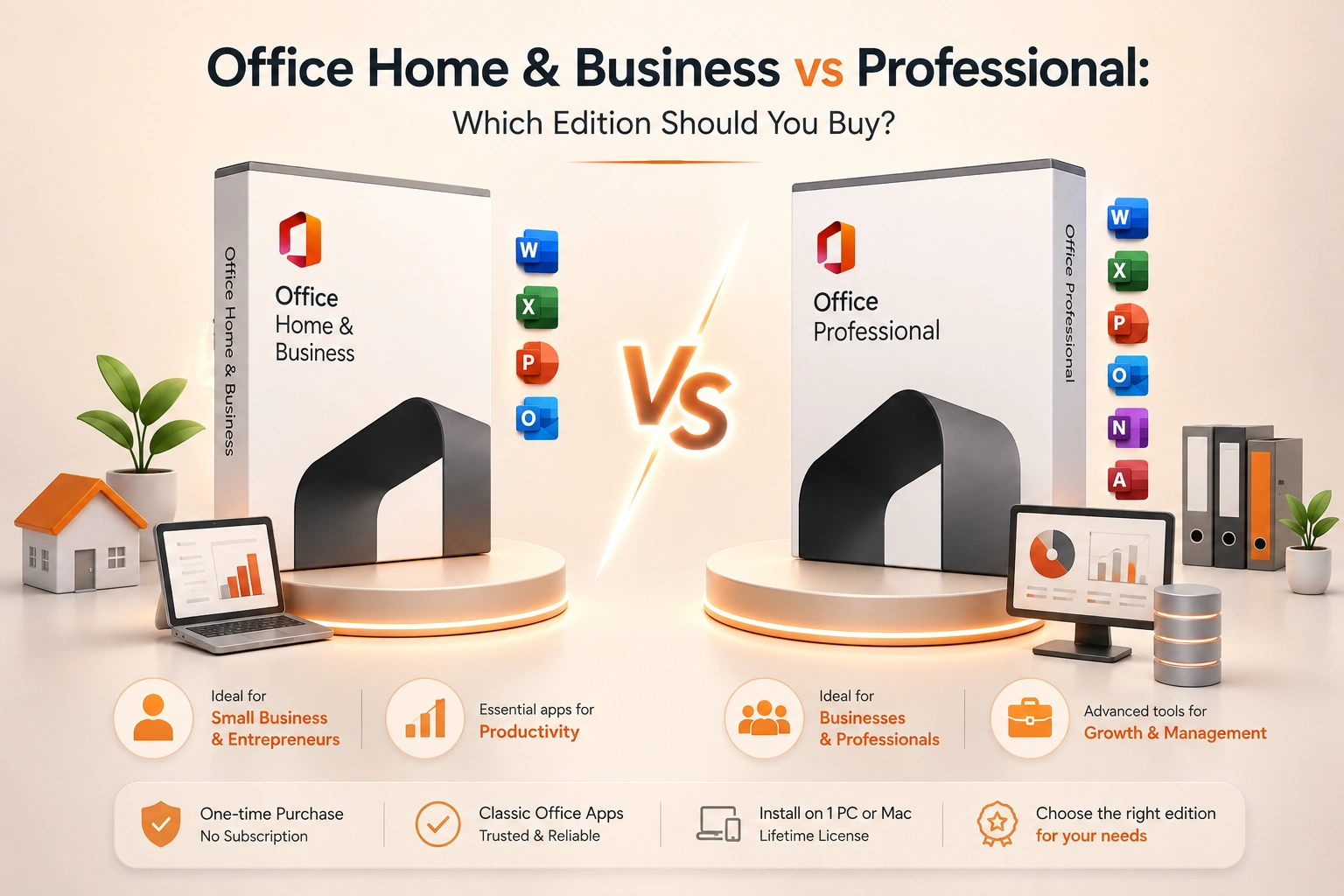
Home & Business covers the core apps plus Outlook. Professional adds Windows-only database and publishing tools in editions where they are included.
Office Home & Business and Office Professional can both suit a small company, but the names alone are not enough to choose safely. The release year, platform and license channel determine the support lifecycle, included applications and activation method.
Home & Business is the conventional one-time option for core desktop applications plus Outlook on one PC or Mac. Professional editions are Windows-focused and may add Access or other applications depending on release and channel. Professional Plus is a separate name commonly seen in organization licensing and should not be treated as an automatic upgrade for every individual buyer.
The decision is therefore not "home users versus professionals." It is whether a required application exists only in the larger Windows edition, whether the buyer needs commercial-use positioning, and whether a perpetual one-device license is a better deployment model than Microsoft 365.
Before comparing prices, list the files and integrations the computer must open. An Access database, legacy COM add-in or Outlook archive can decide the edition and platform immediately. Also identify who will own the Microsoft account and whether the license must move after a hardware replacement. Those operational details matter more than the marketing hierarchy.
Finally, verify the product against Microsoft's documentation for its release. Application bundles change, Publisher is reaching retirement, and Mac never receives every Windows desktop application. A reseller's title should be treated as a starting point, not the complete license specification.
Start with the release year, not only the edition name
Office 2021 and Office 2024 are fixed releases. A one-time purchase receives security updates during its support lifecycle but does not become the next major version for free. "Home & Business" or "Professional" without a year is incomplete, because support dates, operating-system compatibility and included features depend on the release.
Microsoft's current consumer one-time lineup prominently includes Office Home 2024 and Office Home & Business 2024. Professional and Professional Plus names can appear through different channels and markets, including commercial or volume licensing. Confirm the exact product rather than assuming every listing maps to the same retail box.
Core applications and Outlook
Home & Business is aimed at a person or small business that needs Word, Excel, PowerPoint and Outlook on one computer. The key practical addition over a basic home edition is Outlook plus commercial-use positioning.
Professional editions for Windows traditionally add Access and, in some releases, Publisher to the core desktop suite. Publisher's lifecycle is changing, and application bundles differ by release and channel. Treat the seller's exact app list and Microsoft's documentation for that SKU as authoritative.
On Mac, Access and Publisher are not available. A product name that promises a Mac edition of Professional Plus with those Windows applications should be examined carefully. Office Home & Business for Mac is the more conventional perpetual business option.
When Access changes the decision
Access is a Windows desktop database tool used for forms, queries, reports and small departmental applications. If a required business database is an .accdb or .mdb file and users must edit it, an edition that includes Access can be necessary.
Do not buy Professional merely because Access might be useful someday. Access databases require design, backup and maintenance. If the company uses a cloud CRM, SQL-based application or web database instead, Access may never be opened.
Outlook is not an email service
Outlook is the desktop client. It connects to an email service such as Microsoft Exchange, Microsoft 365, Gmail or another IMAP provider. Buying Home & Business or Professional does not create a mailbox, custom domain or server subscription.
If the company needs hosted business email, calendars, Teams and cloud administration, compare a Microsoft 365 business plan. A perpetual Office suite plus a separate mail service can still be sensible, but calculate both parts.
Commercial use and account ownership
For a business device, choose an edition and channel that permits the intended commercial use. Redeem it to an account controlled by the business or documented owner, not an employee's private email address that will leave with them.
Keep the invoice, product details, assigned device and Microsoft account in an asset register. A one-time key feels simple until the computer fails and nobody knows which account owns the reinstall.
One computer means one computer
Microsoft describes one-time Office purchases as installation on one PC or Mac. Eligible Office 2021 and 2024 licenses can be transferred to another computer owned by the licensee, generally no more than once every 90 days except after hardware failure, but the prior copy must be removed.
If several employees or devices need Office, compare the cost and administration of multiple perpetual licenses with Microsoft 365. Do not share one account or repeatedly move one license to simulate concurrent use.
Security updates versus feature updates
A supported perpetual release receives security fixes, but it remains a fixed feature set. Microsoft 365 Apps receive ongoing feature updates as well as security and bug fixes. A business that depends on current collaboration features, cloud integrations or the latest file behavior may value the subscription even if Professional includes more named desktop apps at purchase.
Microsoft explains the distinction in Microsoft 365 versus Office 2024.
Choose Home & Business when
- One Windows PC or Mac needs Word, Excel, PowerPoint and Outlook.
- Commercial use is required.
- Access is not part of the workflow.
- A one-time purchase is preferred over continuous feature updates.
- The company can track one device and one owner account.
Choose Professional when
- The exact Windows edition includes Access or another required app.
- Existing databases or workflows depend on that application.
- The license channel and commercial rights fit the organization.
- Windows-only deployment is acceptable.
- The added application cost is lower than buying it separately or changing the workflow.
Choose Microsoft 365 instead when
- One user needs Office on several devices.
- Several staff need centrally managed accounts.
- Hosted services, OneDrive, Teams or Exchange are part of the requirement.
- Continuous feature updates matter.
- The business prefers predictable recurring cost and easy seat reassignment.
Beware of name collisions
Office Professional, Office Professional Plus and Microsoft 365 Apps are not interchangeable labels. Professional Plus is commonly associated with organization licensing and may use MAK or KMS activation. A key that technically activates is not automatically the right entitlement for an individual retail buyer.
Ask whether the purchase is retail, OEM, volume, account-bound or another channel; whether it activates on your own account; and whether it can be transferred. Avoid shared credentials and installers that require an activation patch.
A simple purchasing worksheet
Write down: required apps, operating system, users, devices, email service, cloud storage, desired ownership term, transfer needs and account owner. Then compare only editions that satisfy every required row.
For one-time options, browse Microsoft Office keys and check the exact release, platform, device count and activation method. The cheapest edition that includes every required app is usually the best choice; paying for a longer app list has no value if the extra programs never enter the workflow.
Bottom line
Home & Business is the practical perpetual choice for core Office work plus Outlook on one PC or Mac. Professional is justified on Windows when its additional applications—especially Access—are actually required and the license channel fits the buyer. Microsoft 365 is often easier for multi-device users and managed teams. Choose from the actual apps and deployment model, not from the word "Professional."
Related guides
- How to Activate Microsoft Office 2021 with a Product Key (Step by Step)
- Can You Use One Microsoft Office Key on Multiple Computers?
- The Cheapest Way to Buy Microsoft Office Legally (2026)
Shop software keys — Windows, Microsoft Office, antivirus and business licenses, delivered fast.