 Software Keys HQ
Parallels Desktop: Standard vs Pro vs Business Explained
Compare Parallels Desktop Standard, Pro and Business by VM limits, developer tools, administration and license type before choosing an edition.
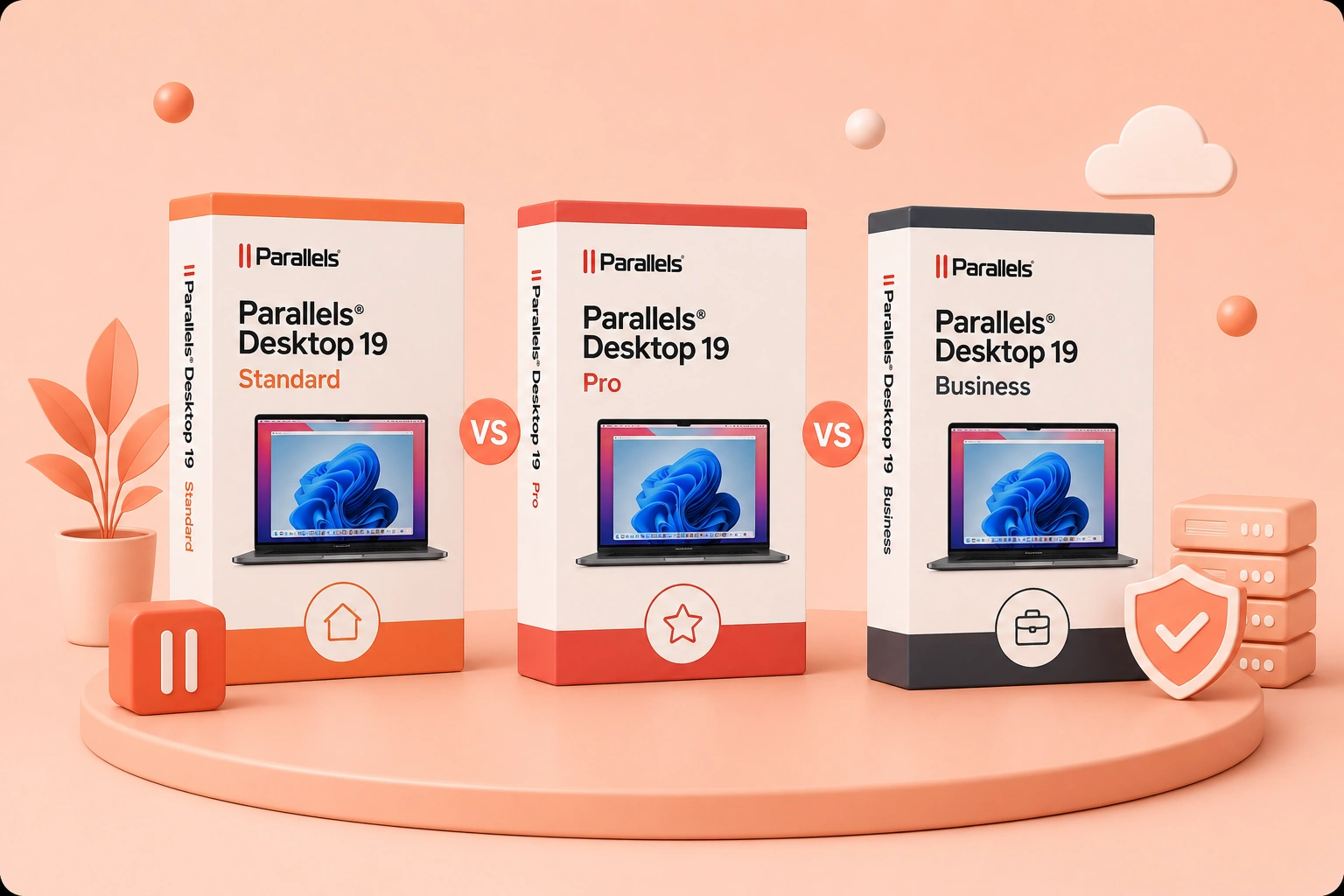
Standard is for everyday Windows apps, Pro adds resources and developer tools, and Business adds centralized control. Here is the practical choice.
Parallels Desktop Standard, Pro and Business all run Windows applications on a Mac, but they are designed for different constraints. Standard focuses on everyday personal use. Pro raises virtual-machine resource limits and adds technical workflow tools. Business combines high-end capability with centralized deployment and license administration.
The current version and purchase term matter. Parallels Desktop 26 has specific vRAM and vCPU ceilings, and Standard may be offered as a subscription or one-time purchase depending on the current listing. Pro and Business are aimed at continuing professional or organizational use. A one-time Standard purchase covers its stated major-version rights; it should not be assumed to include every future macOS compatibility update.
Apple silicon adds a separate compatibility decision because it runs Windows 11 Arm. Many x86 and x64 applications work through Microsoft's translation, but some drivers, peripherals and low-level components do not. Confirm the required Windows application before deciding which Parallels edition is powerful enough.
Storage is another practical limit. A Windows VM, updates, applications and snapshots can consume far more space than the initial installer suggests. Standard users should reserve enough free storage for one healthy VM; Pro users running several test environments need a deliberate snapshot and cleanup policy. Edition upgrades do not create disk capacity.
For organizations, decide whether licenses belong to individuals, devices or a centrally administered business account before rollout. Business is valuable when IT actually uses its portal, policies and deployment controls; it is unnecessary overhead when one person owns one Mac.
Back up important VMs before upgrading Parallels or macOS, and verify critical Windows apps on a clone first. Compatibility planning prevents an edition purchase from being blamed for an application or driver limitation. Record the working Windows and Parallels versions before every major upgrade, including required peripherals, drivers, network settings and support contacts.
The current Parallels Desktop 26 limits
Parallels' current comparison for version 26 makes the hardware split concrete. Standard is designed for light home use and allows up to 8 GB of virtual RAM and 4 virtual CPUs per virtual machine. Pro and Business raise those ceilings to 128 GB and 32 vCPUs on Intel Macs. On Apple silicon, the practical maximum is constrained by the Mac and architecture; Parallels currently describes up to 62 GB vRAM and 18 vCPUs for Pro on supported Apple-silicon hardware.
Those are ceilings, not recommendations. Giving a virtual machine every available core or most of the Mac's unified memory can make both macOS and Windows slower. For Office, browser testing and ordinary business apps, the Standard limits are normally enough. Large compiles, several simultaneous VMs, database labs and memory-heavy engineering tools are the cases that benefit from Pro.
You can check the current vendor matrix on Parallels' edition comparison.
Standard: the right default for most individuals
Choose Standard when the goal is to run one Windows environment for everyday applications. Typical examples are Windows-only accounting software, a corporate Office add-in, a browser that must be tested on Windows, or an occasional utility unavailable on macOS.
Standard includes the core experience people buy Parallels for: guided Windows installation, Coherence mode, shared folders and clipboard, graphics acceleration, and integration that lets Windows apps behave more like Mac apps. It does not make Windows itself free; you still need a valid Windows license.
The important purchase detail is term. Parallels has offered Standard as both subscription and one-time purchase depending on the current offer. A one-time license covers the purchased major version rather than every future version. Confirm the listing instead of assuming "Standard" automatically means perpetual.
Pro: pay for resources and developer workflow
Pro is aimed at developers, testers, technical creators and power users. Its higher VM resource limits matter when running local databases, containers, build tools or multiple virtual machines. It also includes command-line and automation capabilities used to start, clone, configure and test VMs as part of a development workflow.
That does not mean every developer needs Pro. If a developer only opens one Windows IDE or browser at a time and stays within 8 GB/4 vCPU, Standard may be sufficient. Pro earns its price when the resource ceiling or tooling would otherwise interrupt real work.
For graphics-intensive Windows software, also check application and architecture compatibility. More assigned RAM cannot make an x86 Windows driver work on Windows 11 Arm, and virtualization is not equivalent to a native high-end gaming PC.
Business: Pro capability plus organizational control
Business is not "faster Pro." Its reason to exist is centralized administration for a team: license management, controlled deployment, policy configuration and business support. It makes sense when IT needs to distribute Parallels consistently, reclaim seats when staff change, or enforce how virtual machines are configured.
A freelancer with one Mac usually gains little from Business. A company managing ten or fifty Macs may save enough support time to justify it even if each employee runs only one modest VM. The buying unit and management portal matter more than raw performance.
Apple silicon changes the Windows choice
An M-series Mac runs the Arm version of Windows 11 in Parallels. Windows on Arm can translate many x86 and x64 applications, but not every application, driver, anti-cheat component, USB device or kernel extension behaves identically. Check the exact Windows application and peripheral before buying any edition.
Parallels is authorized by Microsoft for running Windows 11 on Apple-silicon Macs, but authorization is not a Windows license. Budget for Windows separately and use the edition your application or organization requires.
Quick decision table
- One Mac, Office and ordinary Windows apps: Standard.
- Large builds, multiple VMs, heavy local databases or automation: Pro.
- A managed team with centralized deployment and license control: Business.
- One-time purchase required: verify the current Standard offer and understand its upgrade boundary.
- Windows-only hardware driver required: validate compatibility first; edition choice will not solve a driver limitation.
Questions to answer before checkout
How much RAM does the Mac have? Which Windows application must run? Does it support Windows 11 Arm? Will more than one VM run at the same time? Does IT need centralized policies? Is the offered license perpetual or subscription? How many users or devices does it cover?
These questions prevent the two common mistakes: paying for Pro features that never get used, or buying Standard for a workflow that immediately hits its resource ceiling.
Buying and setup checklist
- Update macOS to a version supported by the Parallels release.
- Keep enough free storage for Windows, applications, snapshots and updates.
- Back up the Mac before creating or importing a VM.
- Obtain a valid Windows license for the required edition.
- Start with conservative CPU and memory allocation, then measure.
- Confirm whether the Parallels purchase is one-time or renewing.
- For a team, decide who owns the license account before deployment.
Compare the exact stocked term under Developer & Business software. The useful choice is not the edition with the longest feature list; it is the lowest edition that removes a real constraint in your workflow.
Bottom line
Standard is the sensible default for a person who wants Windows apps on one Mac. Pro is justified by higher resource needs or development automation. Business is justified by administration across people and devices. Start with the workload and management requirement, then verify architecture compatibility and license term before comparing price.
Related guides
- SQL Server Enterprise vs Standard: Which Edition Do You Need?
- Visual Studio: Community vs Professional vs Enterprise Explained
- Stata vs SPSS: Which Statistical Software Should You Buy?
Shop software keys — Windows, Microsoft Office, antivirus and business licenses, delivered fast.