 Software Keys HQ
Visual Studio: Community vs Professional vs Enterprise Explained
Visual Studio Community, Professional and Enterprise compared — who each is actually licensed for, and which one you need.
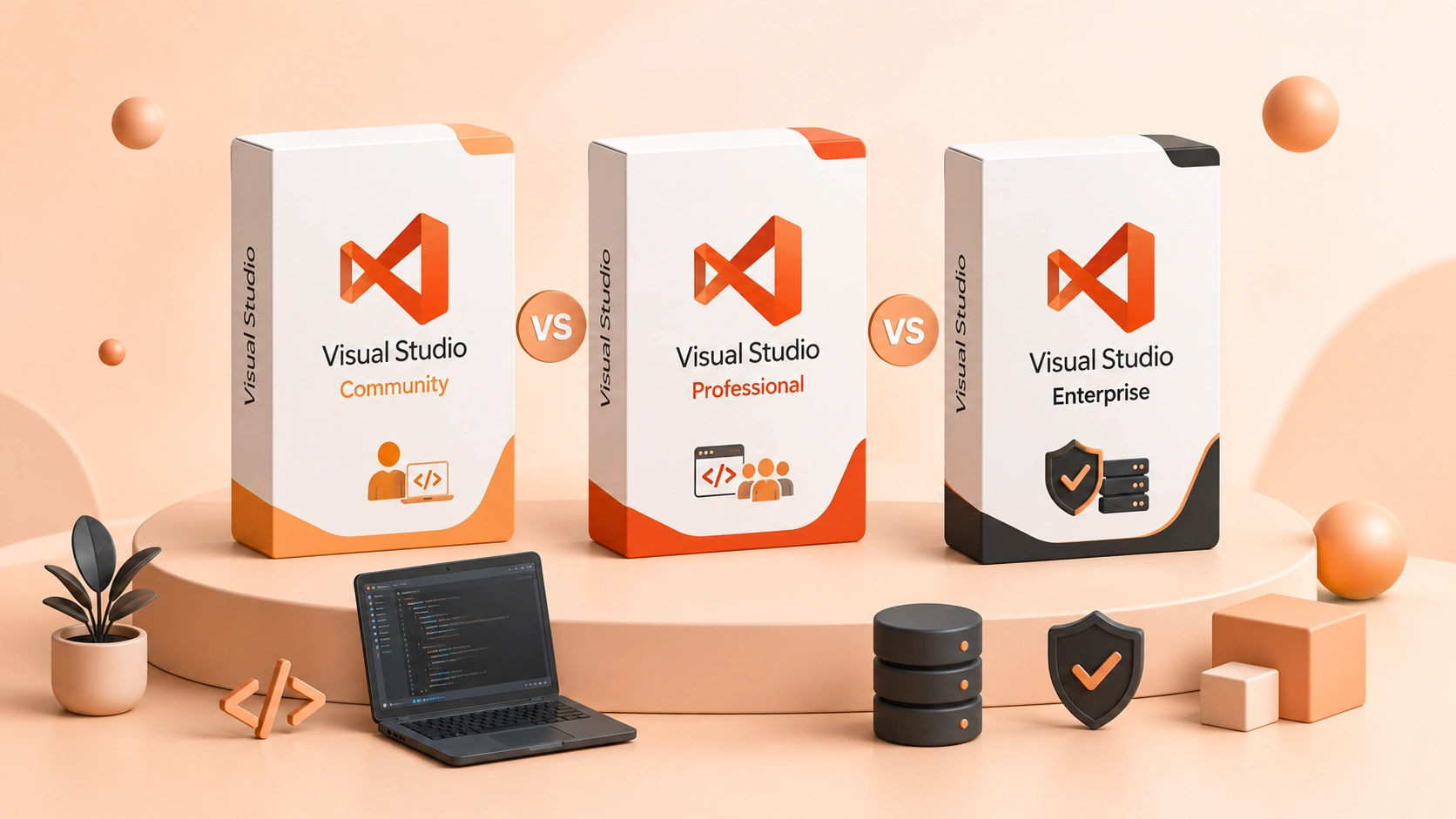
Community, Professional, Enterprise — the tooling looks similar, but the licensing and features differ a lot. Here is which one you actually need.
Introduction
Visual Studio's three tiers aren't just "more expensive = more features" — Community's biggest limitation isn't features at all, it's who's actually allowed to use it for free. Here's what genuinely separates all three.
Visual Studio Community
Community is Microsoft's free tier, and feature-wise it's surprisingly close to Professional — full debugging, most language support, and the core IDE experience. The real limitation is licensing eligibility, not capability: Community is free for individual developers, open-source projects, academic use (students, classrooms, research), and organizations under specific size and revenue thresholds set by Microsoft. A growing business that crosses those thresholds is no longer eligible to use Community for free, regardless of how small the team feels.
Visual Studio Professional
Professional removes Community's eligibility restrictions — any business, any size, can license it — and adds team-oriented tooling: cloud-based load testing, some additional debugging and diagnostics tools, and Visual Studio subscription benefits (Azure credits, training resources) depending on the specific plan purchased.
See Visual Studio 2022 Professional for the current price.
Visual Studio Enterprise
Enterprise adds tooling aimed at large, complex codebases and big engineering organizations: advanced architectural analysis and dependency mapping, Live Unit Testing (tests re-run automatically as you type), IntelliTrace historical debugging, and more extensive testing tools. These solve real problems at a scale most small-to-medium teams don't have — a large legacy codebase with many interdependencies, or a QA process that needs enterprise-grade automated testing infrastructure.
See Visual Studio 2022 Enterprise for the current price.
Which Edition Do You Actually Need?
- Community — you're an individual developer, working on an open-source project, a student, or your organization genuinely qualifies under Microsoft's size/revenue limits for the free tier.
- Professional — any business that doesn't qualify for Community, or wants its team-collaboration features, without needing Enterprise's large-scale tooling.
- Enterprise — a large codebase or engineering team that specifically needs advanced architectural analysis, Live Unit Testing, or enterprise-scale automated testing — not just "a bigger team."
Most small development teams that don't qualify for the free Community tier get everything they actually use out of Professional — Enterprise's extra tools solve problems that only show up at real scale.
FAQ
Is Visual Studio Community actually free forever, or a trial? It's genuinely free, not a time-limited trial — the restriction is on who's eligible to use it (individuals, open-source, education, small qualifying organizations), not how long.
Can my small business get in trouble for using Community? If your organization doesn't meet Microsoft's eligibility criteria (size/revenue thresholds) and uses Community anyway, that's a real licensing compliance risk — Professional is the correct license in that case.
Does Enterprise make code run faster? No — like the SQL Server and Windows edition comparisons, the differences are in tooling and features available to developers, not runtime performance of the code you write.
Related guides
- SQL Server Enterprise vs Standard: Which Edition Do You Need?
- Parallels Desktop: Standard vs Pro vs Business Explained
- Stata vs SPSS: Which Statistical Software Should You Buy?
Shop software keys — Windows, Microsoft Office, antivirus and business licenses, delivered fast.