 Software Keys HQ
Stata vs SPSS: Which Statistical Software Should You Buy?
Stata vs SPSS compared: command-driven scripting vs point-and-click, who each is built for, and real pricing for both at Software Keys HQ.
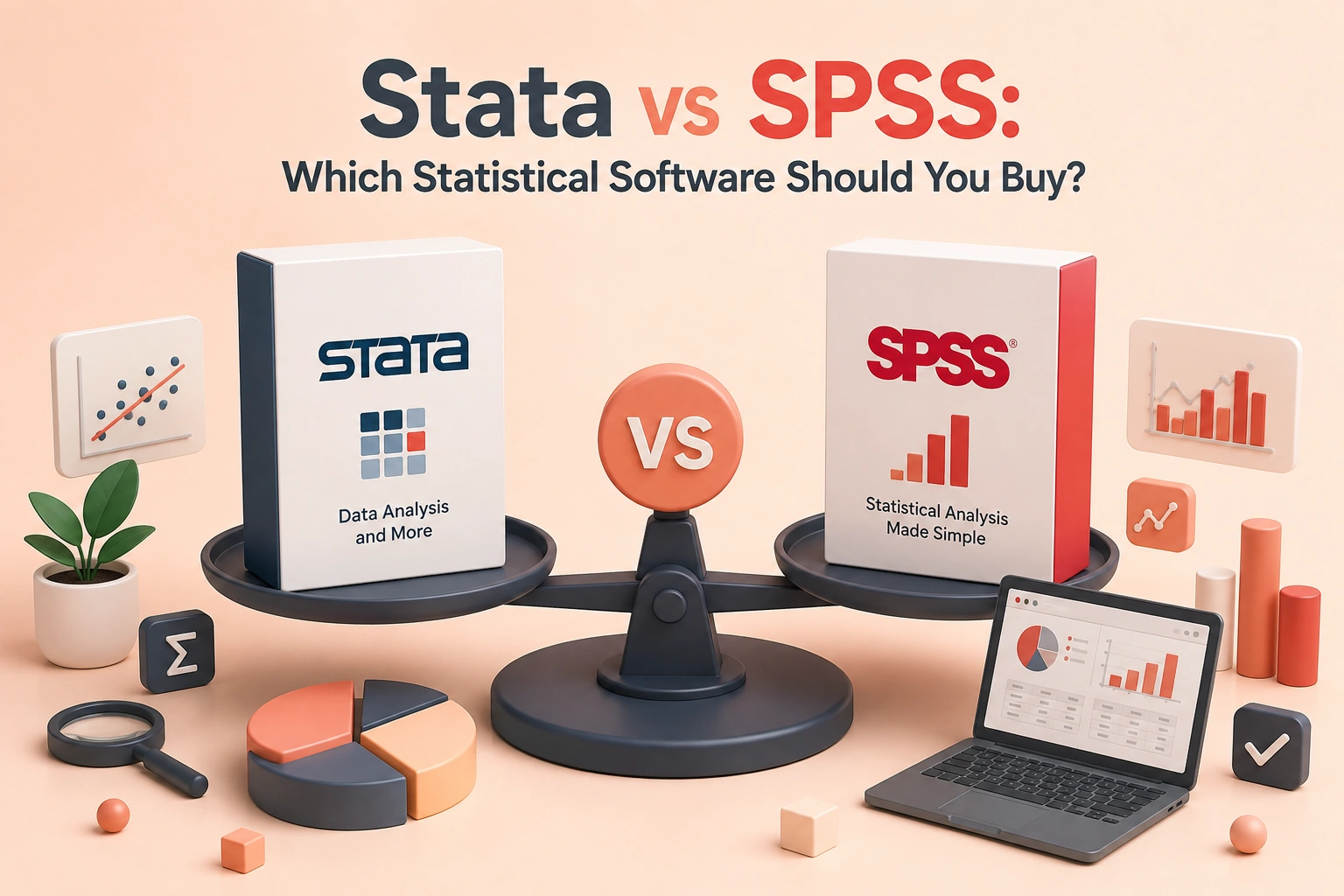
Stata and SPSS both do statistical analysis, but they are built for different kinds of research. Here is how to pick the right one.
Introduction
Stata and SPSS solve the same problem — statistical analysis — for two different kinds of user. If you've been told to "just get a stats package" for a thesis, a research job, or a market-research role, the choice between them usually comes down to how you like to work, not which one is objectively better. This guide compares both directly: who each is built for, what a real license costs, and which one fits your workflow.
What Stata Is Built For
Stata is command-driven. You write "do-files" — short, reusable scripts — that run and re-run your analysis exactly the same way every time. That makes it the standard choice in fields where reproducibility matters: economics, epidemiology, political science, and panel-data research. Once you're comfortable with its syntax, Stata is genuinely fast to work in, and a do-file doubles as documentation of exactly what you did to your data.
The tradeoff is a real learning curve if you've never worked in a command-line-style tool before. Stata does have menus for common tasks, but most regular users end up working mostly in scripts.
For the exact edition and license term, see Stata — a one-time price, not a recurring subscription.
What SPSS Is Built For
IBM SPSS Statistics is point-and-click first. Menus and dialog boxes cover almost every common statistical test, which is why it's the default choice in psychology, survey research, market research, and most undergraduate statistics courses — you can run a real analysis without writing a single line of syntax. SPSS does have its own scripting language for advanced or repeated work, but it's optional, not the primary way most people use it.
The tradeoff is that SPSS's licensing and file formats lean toward institutional use — it's built for a researcher who wants to click through a familiar interface, not necessarily to script a fully reproducible pipeline.
See IBM SPSS Statistics for the current price and edition details.
Stata vs SPSS: The Real Difference
- Interface — Stata is command/script-first with menu support; SPSS is menu-first with optional scripting.
- Best for — Stata: economics, epidemiology, panel/longitudinal data, anywhere reproducibility matters. SPSS: psychology, survey research, market research, teaching.
- Learning curve — SPSS is faster to get a first result from; Stata takes longer to learn but scales better for repeated, complex analysis.
- Reproducibility — Stata's do-files make it trivial to re-run an exact analysis later. SPSS can do this too (via its syntax editor), but far fewer users actually work that way day to day.
Stata Price and SPSS Price at This Store
Official institutional licensing for both Stata and SPSS is typically sold as a subscription or a costly perpetual tier aimed at universities and companies, not individual buyers — pricing varies a lot by edition and isn't something we'll quote a specific number for here, since it changes and depends on your institution's agreement. What we can tell you exactly is our own price: Stata is $44.99, SPSS is $79.99, both one-time.
Which One Should You Buy?
- Choose Stata if you're doing economics, health/epidemiological research, panel data, or any work where you'll need to defend or re-run your exact analysis later.
- Choose SPSS if you want to start analyzing data today without learning a scripting syntax first, or if your field (psychology, survey/market research) already standardizes on it.
Neither is "better" in general — they're built for different working styles, and most people who've used both have a real preference.
FAQ
Is Stata or SPSS easier to learn? SPSS is easier to get a first result from, since almost everything is menu-driven. Stata has a steeper start but is faster once you know its syntax, especially for repeated analysis.
Can I use a license from this store for coursework or a research job? Yes — these are ready-to-use licenses for the current version, delivered fast by email after purchase, same as buying directly, just without the institutional-subscription price tag.
Do I need SPSS if I already know how to code in Stata (or vice versa)? Not usually. If your field, advisor, or team already standardizes on one, that's normally the right call regardless of which tool you personally find easier — collaborators need to be able to open and re-run your files.
Related guides
- SQL Server Enterprise vs Standard: Which Edition Do You Need?
- Parallels Desktop: Standard vs Pro vs Business Explained
- Visual Studio: Community vs Professional vs Enterprise Explained
Shop software keys — Windows, Microsoft Office, antivirus and business licenses, delivered fast.