 Software Keys HQ
QuickBooks Desktop Pro vs Premier vs Enterprise: Which Edition Do You Need?
QuickBooks Desktop Pro vs Premier vs Enterprise compared — real feature differences and which edition fits your business size.
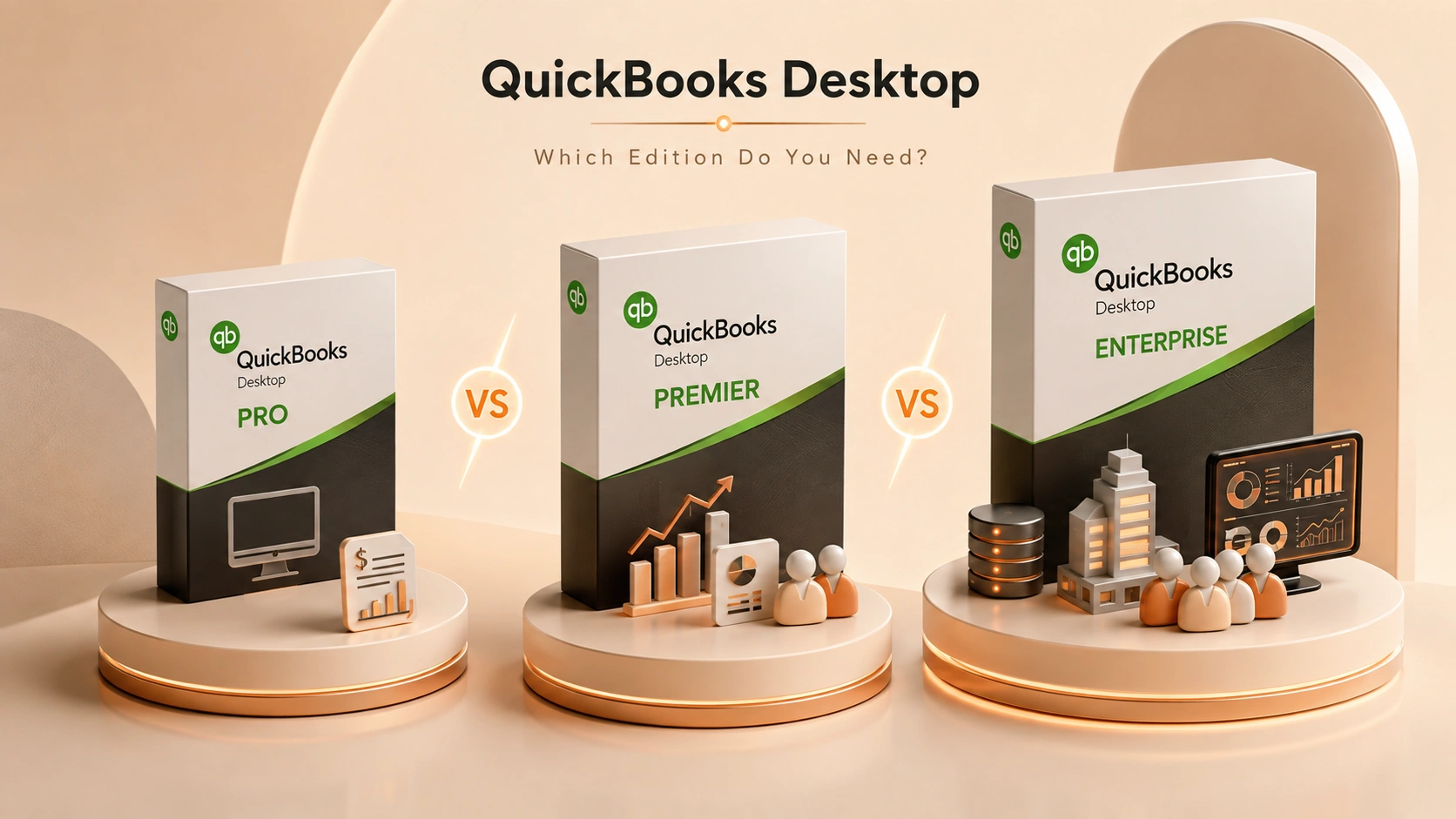
Pro, Premier or Enterprise? A clear breakdown of what actually changes between QuickBooks Desktop editions, so you don’t overpay for features you’ll never use.
Introduction
QuickBooks Desktop's three tiers — Pro, Premier, and Enterprise — scale with business size and complexity, not just price. Buying more than you need means paying for reports and user seats you'll never touch; buying less means hitting a wall the moment your business grows past it.
QuickBooks Desktop Pro
Pro is built for small businesses with straightforward accounting needs: invoicing, expense tracking, basic reporting, and support for up to 3 simultaneous users. It covers general bookkeeping well but doesn't include industry-specific reports or advanced inventory tools.
See QuickBooks Desktop Pro 2024 — Lifetime (1 User) for the current price.
QuickBooks Desktop Premier
Premier includes everything in Pro, plus industry-specific editions (contractor, manufacturing/wholesale, nonprofit, retail, professional services) with reports and terminology tailored to that industry, forecasting tools, and the ability to create sales orders — something Pro doesn't support. It also supports up to 5 simultaneous users. If your business fits one of Premier's specific industries and needs sales orders or industry-tailored reporting, it's a meaningful step up from Pro, not just a price increase.
See QuickBooks Desktop Premier 2024 — Lifetime (1 User) for the current price.
QuickBooks Desktop Enterprise
Enterprise is built for larger operations: up to 40 simultaneous users, significantly higher list-size limits (customers, vendors, inventory items), advanced inventory and pricing tools, and more granular user permissions. It's priced and built for a business that's genuinely outgrown Premier's limits, not a small shop.
See QuickBooks Desktop Enterprise 2024 — Lifetime (1 User) for the current price.
Which Edition Fits Your Business?
- Pro — a small business with general accounting needs and 1-3 users.
- Premier — you're in one of Premier's specific supported industries, need sales orders, or want industry-tailored reports, with up to 5 users.
- Enterprise — you've outgrown Premier's user or list-size limits, or need its advanced inventory/permission tools.
Most small businesses genuinely fit inside Pro. Premier earns its price only when you actually use its industry-specific tools or sales-order feature — buying it just for "more" without a specific need is usually paying for headroom you won't use, the same trap as SQL Server Enterprise or Visual Studio Enterprise for a team that doesn't need the extra scale.
FAQ
Can I upgrade from Pro to Premier or Enterprise later? Yes, QuickBooks supports moving between tiers, though it's a separate purchase, not a free in-place upgrade.
Does Premier require being in one of its named industries? No — you can use Premier's general edition without an industry specialization, but the industry-specific reports are the feature that most justifies the upgrade from Pro.
Is Enterprise overkill for a 5-person company? Usually, yes, unless you're already hitting Premier's list-size or user limits. Enterprise is priced for businesses that need its specific scale, not just "more."
Related guides
- SQL Server Enterprise vs Standard: Which Edition Do You Need?
- Parallels Desktop: Standard vs Pro vs Business Explained
- Visual Studio: Community vs Professional vs Enterprise Explained
Shop software keys — Windows, Microsoft Office, antivirus and business licenses, delivered fast.