 Software Keys HQ
Top 5 Security Tips Before Installing New Software
Five simple habits that keep new software installs from putting your PC or personal data at risk.
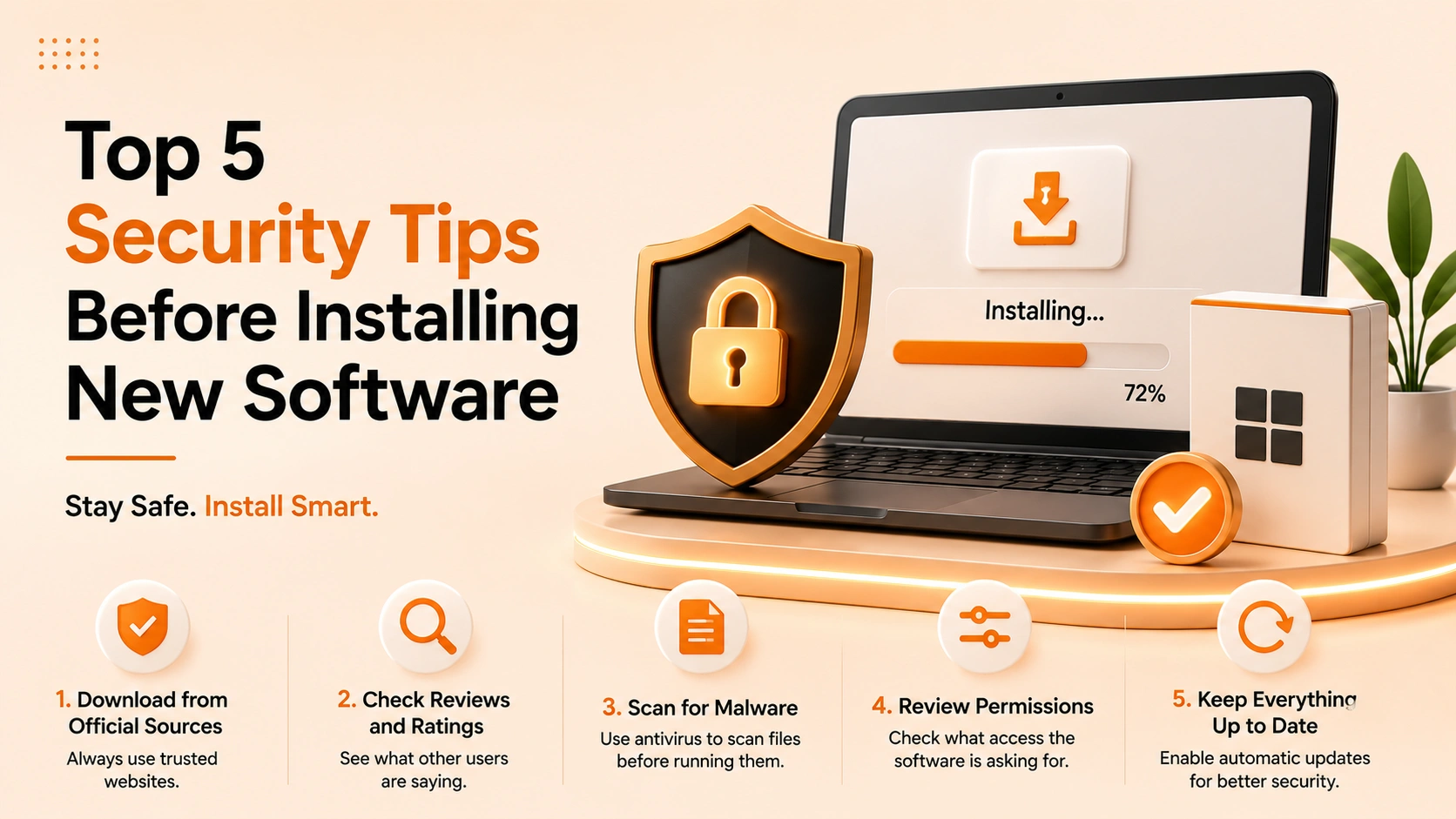
New software is one of the most common ways problems sneak onto a PC. These five habits keep your machine clean.
Installing a new app feels routine, but it is exactly the moment careless choices cause trouble. Build these five habits and you will avoid the vast majority of issues.
Continue with a side-by-side look at Antivirus & Security options and current prices.
1. Download from the official source
Always get installers from the publisher's site or a reputable, established reseller. Random download mirrors are a classic way bundled adware gets in.
2. Verify the license is valid
A real product key activates with the publisher and keeps getting updates. Cracked versions skip security patches and often hide unwanted extras.
3. Back up before big installs
A quick restore point means that if an install goes wrong, you can roll back in minutes instead of losing work.
4. Read the installer screens
Decline bundled toolbars and "recommended" extras. A custom install lets you uncheck anything you did not ask for.
5. Keep antivirus running
Real-time protection catches a malicious installer before it executes. It is the cheapest insurance you will ever run.
Related guides
- Best Antivirus 2026: Norton vs Kaspersky vs McAfee vs Bitdefender vs ESET
- Free vs Premium Antivirus: What Is the Real Difference?
- How to Turn Off Antivirus Auto-Renewal Before It Charges You
Shop software keys — Windows, Microsoft Office, antivirus and business licenses, delivered fast.