 Software Keys HQ
Windows 10 vs Windows 11: Should You Upgrade in 2026?
Windows 10 vs Windows 11 in 2026 — what actually changed, whether the upgrade is worth it, and what you need to make the switch.
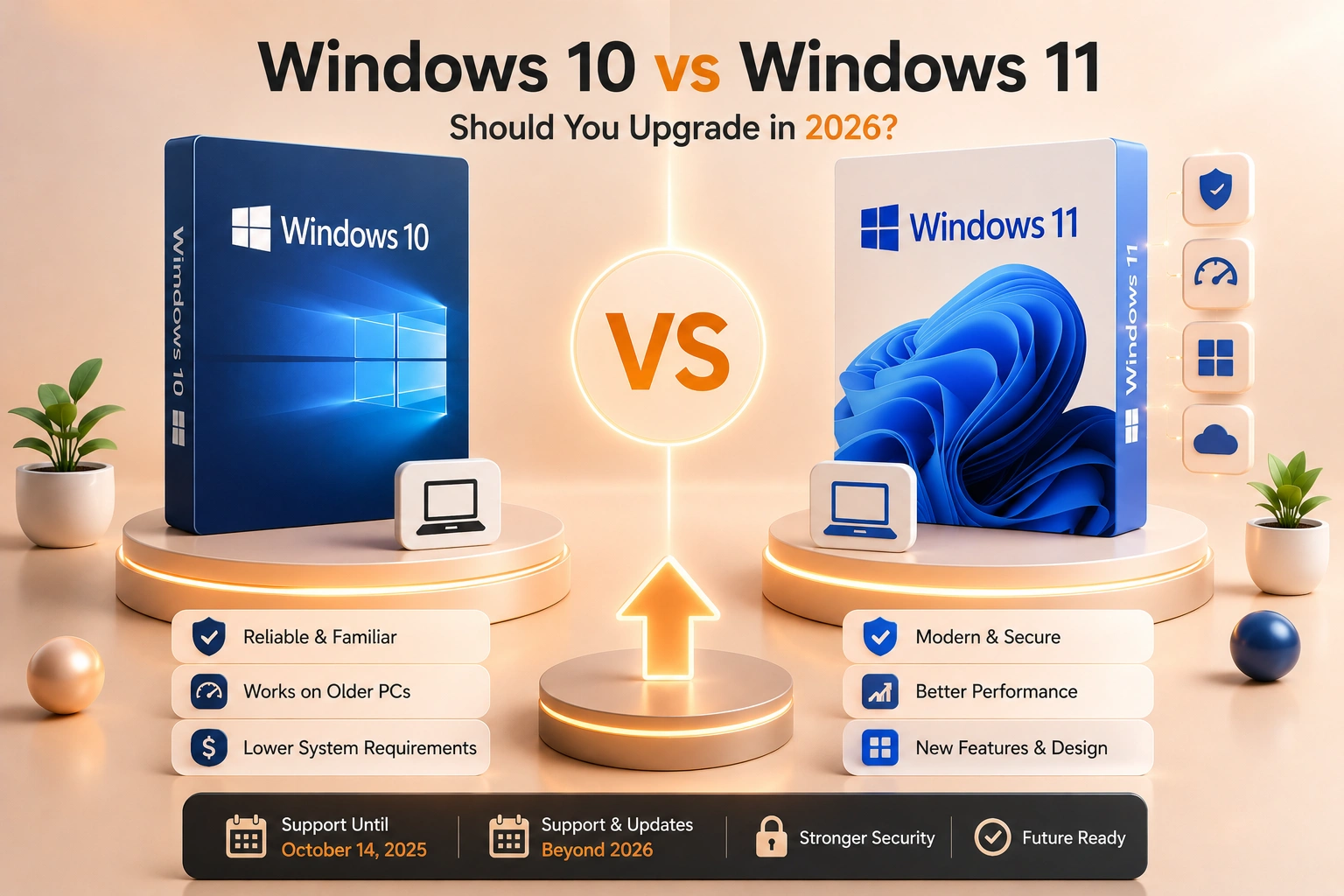
Windows 10 vs Windows 11 — what actually changed, is it worth upgrading, and what you need to make the switch.
Introduction
Windows 10 reached the end of free Microsoft support on October 14, 2025. If you're still running it, the question isn't really "is Windows 11 better" — it's whether staying on an unsupported operating system is a risk worth taking, and what the practical upgrade path looks like.
What Actually Changed
Windows 11's biggest visible changes are cosmetic: a centered Start menu and taskbar, rounded corners, and a reorganized Settings app. Under the hood, the more meaningful differences are security-focused — Windows 11 requires TPM 2.0 and Secure Boot, which enable hardware-backed protections Windows 10 can't fully use even on the same physical machine. Windows 11 also brought native Android app support (limited rollout), better multi-monitor/virtual desktop handling, and DirectStorage for faster game load times on supported hardware. For most everyday use — browsing, office work, general productivity — the two systems feel more similar than different day to day.
Why the Upgrade Matters Now
Without an active Extended Security Updates (ESU) enrollment, Windows 10 no longer receives security patches. That's not a cosmetic gap — it means newly discovered vulnerabilities stay open indefinitely on an unpatched Windows 10 machine. For anyone who banks, shops, or handles any sensitive information on their PC, that's the real reason to move, more than any single new Windows 11 feature.
Can Your PC Actually Run Windows 11?
This is where most people get stuck. Windows 11 requires a TPM 2.0 chip and Secure Boot support — hardware requirements that exclude a real number of PCs from around 2018 or earlier, even ones that run perfectly well otherwise. Check Settings → System → About on your current PC, or run the tpm.msc tool, to confirm TPM 2.0 is present and enabled before assuming an upgrade is even possible.
How to Upgrade
If your hardware qualifies, moving from a licensed Windows 10 installation to Windows 11 is a free, in-place upgrade through Windows Update — no new key needed if Windows 10 is already activated. If you're setting up a new or reformatted PC instead, you'll need a fresh license either way.
See Windows 11 Pro — Lifetime Key or Windows 11 Home — Lifetime Key for a clean install.
FAQ
Is Windows 10 completely unsafe to keep using now? It still runs, but with no security patches, any newly found vulnerability stays open. It's a real, growing risk the longer it goes unpatched, not an immediate failure.
Do I need to buy a new key if I'm just upgrading my current PC? No — if Windows 10 is already activated on that machine and the hardware qualifies, the Windows 11 upgrade is free through Windows Update.
My PC doesn't have TPM 2.0 — are my only options a new PC or staying on Windows 10? Largely, yes. Some older CPUs have TPM support that's simply disabled in BIOS/UEFI and can be turned on — worth checking before assuming new hardware is required.
Related guides
- How to Activate Windows Server 2022 with a Product Key (Step by Step)
- Windows Server: Standard vs Datacenter vs Essentials
- How to Find Your Windows Product Key (5 Ways, 2026)
Shop software keys — Windows, Microsoft Office, antivirus and business licenses, delivered fast.