 Software Keys HQ
Microsoft Office 2021 vs Microsoft 365: Buy Once or Subscribe? (2026)
Office 2021 vs Microsoft 365 — one-time purchase or yearly subscription? Real cost comparison and which one actually saves you money.
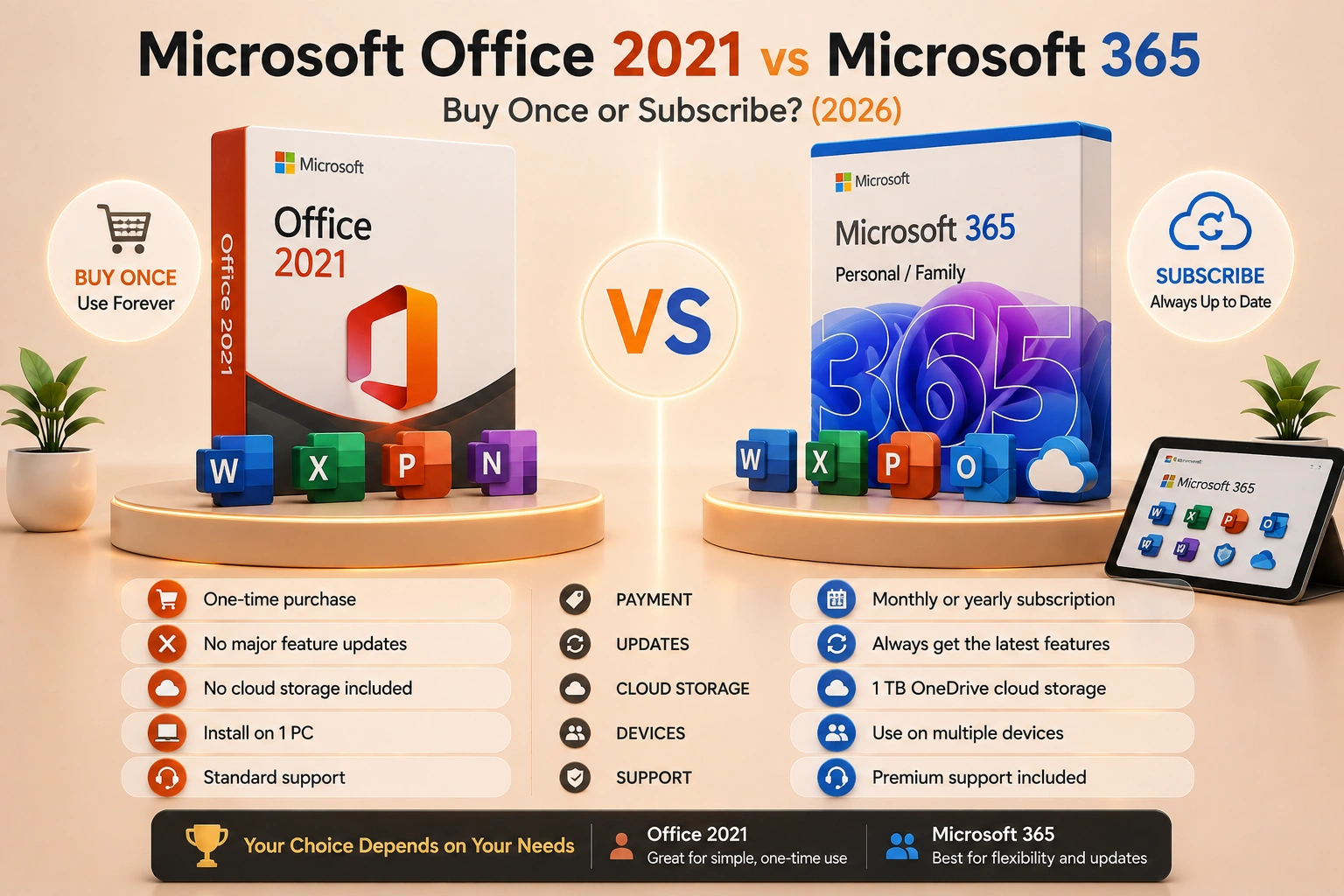
Office 2021 vs Microsoft 365 — one-time payment or yearly subscription? Here is which saves you money and which is right for you.
Introduction
Microsoft sells the same core apps — Word, Excel, PowerPoint, Outlook — two completely different ways: Office 2021 as a one-time purchase you own forever, and Microsoft 365 as a subscription you keep paying for. The right choice depends on how you actually use these apps, not which one Microsoft promotes harder.
What Office 2021 Gives You
Office 2021 is a perpetual license — pay once, and the installed apps (Word, Excel, PowerPoint, Outlook in the Home & Student/Business editions) keep working indefinitely. It's frozen at its 2021 feature set: no new AI features, no Copilot, no ongoing app updates beyond security patches, and only 5 years of security-patch support from its original release. What you get is permanent, offline-capable access to the core apps with no recurring bill.
See Microsoft Office 2021 Home & Student — Lifetime Key for the current price.
What Microsoft 365 Gives You
Microsoft 365 is a subscription: pay monthly or yearly, and you get the same core apps plus continuous feature updates, 1TB of OneDrive cloud storage per user, and — depending on the plan — Copilot AI features. The apps keep evolving for as long as you keep paying; stop the subscription, and the apps drop into a reduced-functionality mode (you can still view and print files, but not create or edit new ones).
See Microsoft 365 — 5 Devices, 1 Year for the current price.
The Real Cost Comparison
Microsoft 365 Personal runs $69.99/year direct from Microsoft; Family plans (up to 6 people) run higher. Over 3 years, that's well over $200 for one person — and the meter never stops. Office 2021 is a single payment with no further charges, though it also doesn't include 1TB of cloud storage or Copilot, and its own security-update window is finite (5 years from release), after which it keeps working but stops receiving patches.
Which One Should You Buy?
- Office 2021 if you want the core apps installed once, don't need 1TB of OneDrive storage or Copilot, and would rather never think about a renewal again.
- Microsoft 365 if you're already relying on OneDrive cloud storage across devices, want continuous new features and AI tools as they ship, or need multiple people covered under one Family plan.
For a single user who just needs Word, Excel and PowerPoint to keep working with no ongoing bill, Office 2021's one-time price is very hard to beat on pure cost. For anyone leaning on cloud storage or wanting the apps to keep evolving, the subscription earns its recurring cost.
FAQ
Does Office 2021 ever stop working? No — a perpetual license keeps the installed apps functional indefinitely. What ends after 5 years is new security patches, not the software itself.
Can I switch from Microsoft 365 to Office 2021 later? Yes, they're independent products — you can let a 365 subscription lapse and install Office 2021 (or vice versa) at any time.
Which one includes Copilot? Copilot AI features are tied to Microsoft 365 subscription plans, not available in the one-time-purchase Office 2021.
Related guides
- Office Home & Business vs Professional: Which Edition Should You Buy?
- How to Activate Microsoft Office 2021 with a Product Key (Step by Step)
- Can You Use One Microsoft Office Key on Multiple Computers?
Shop software keys — Windows, Microsoft Office, antivirus and business licenses, delivered fast.